4 Quick entrance
The disk enclosed in the engineering set includes the GSD file, project examples for a SIMATIC
®
S5 / S7,
the type file and configuration examples for COM PROFIBUS. Communication with a KS800-DP can be
built up easily by means of the configuration and a project.
4.1 Quick entrance with S5
Test environment
The following components are required for the test set-up:
w
Programming unit (PG740 recommended)
w
Automation unit
-
S5-115U, S5-135U or S5-155U with IM 308-C
w
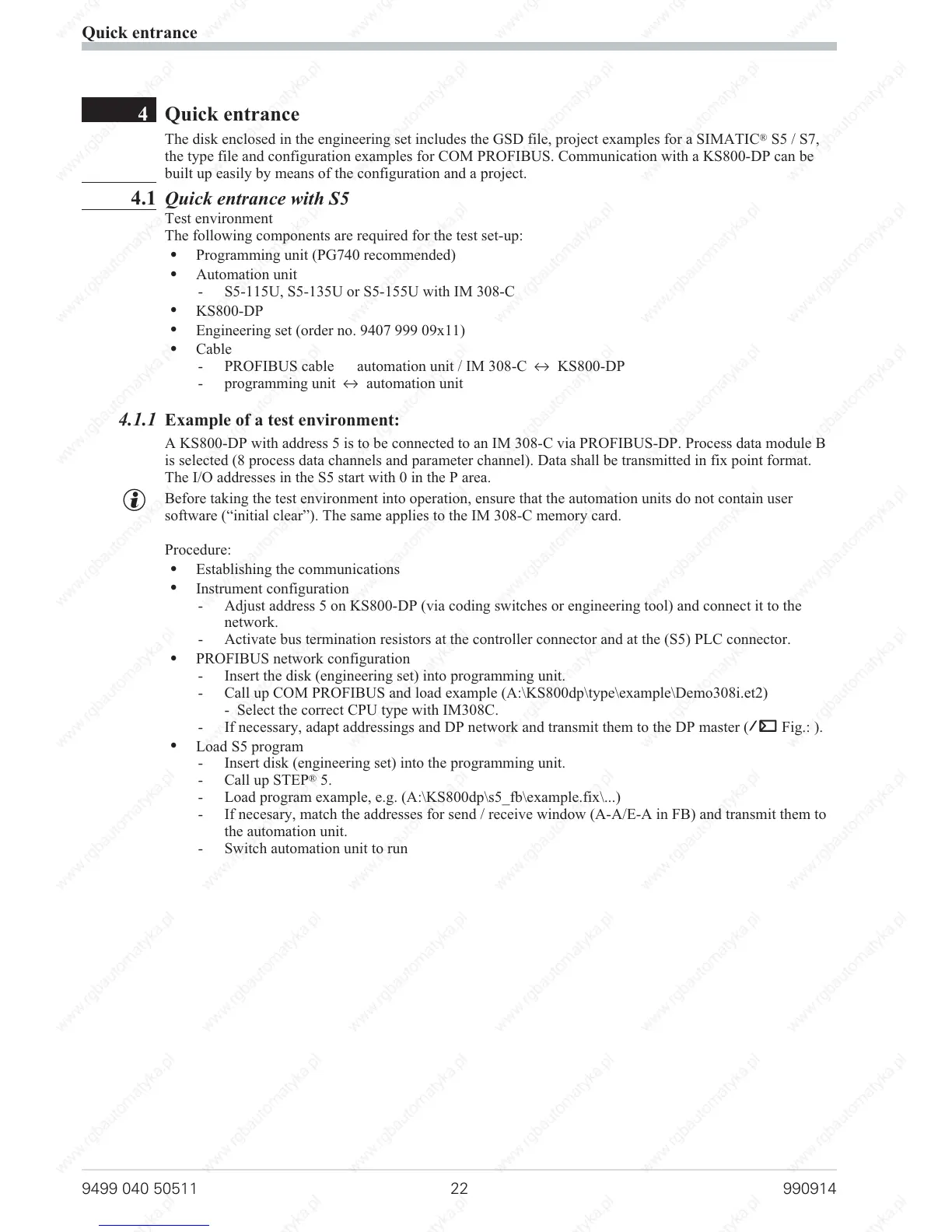
KS800-DP
w
Engineering set (order no. 9407 999 09x11)
w
Cable
-
PROFIBUS cable automation unit / IM 308-C i KS800-DP
-
programming unit i automation unit
4.1.1 Example of a test environment:
A KS800-DP with address 5 is to be connected to an IM 308-C via PROFIBUS-DP. Process data module B
is selected (8 process data channels and parameter channel). Data shall be transmitted in fix point format.
The I/O addresses in the S5 start with 0 in the P area.
g
Before taking the test environment into operation, ensure that the automation units do not contain user
software (“initial clear”). The same applies to the IM 308-C memory card.
Procedure:
w
Establishing the communications
w
Instrument configuration
- Adjust address 5 on KS800-DP (via coding switches or engineering tool) and connect it to the
network.
- Activate bus termination resistors at the controller connector and at the (S5) PLC connector.
w
PROFIBUS network configuration
- Insert the disk (engineering set) into programming unit.
- Call up COM PROFIBUS and load example (A:\KS800dp\type\example\Demo308i.et2)
- Select the correct CPU type with IM308C.
-
If necessary, adapt addressings and DP network and transmit them to the DP master (Ä Fig.: ).
w
Load S5 program
-
Insert disk (engineering set) into the programming unit.
-
Call up STEP
®
5.
-
Load program example, e.g. (A:\KS800dp\s5_fb\example.fix\...)
-
If necesary, match the addresses for send / receive window (A-A/E-A in FB) and transmit them to
the automation unit.
-
Switch automation unit to run
Quick entrance
9499 040 50511 22 990914



 To Next Page