PMDG 737NGX 0.00.129
TUTORIAL #2
For Simulator Use Only DO NOT DUPLICATE 27FEB15 RTM
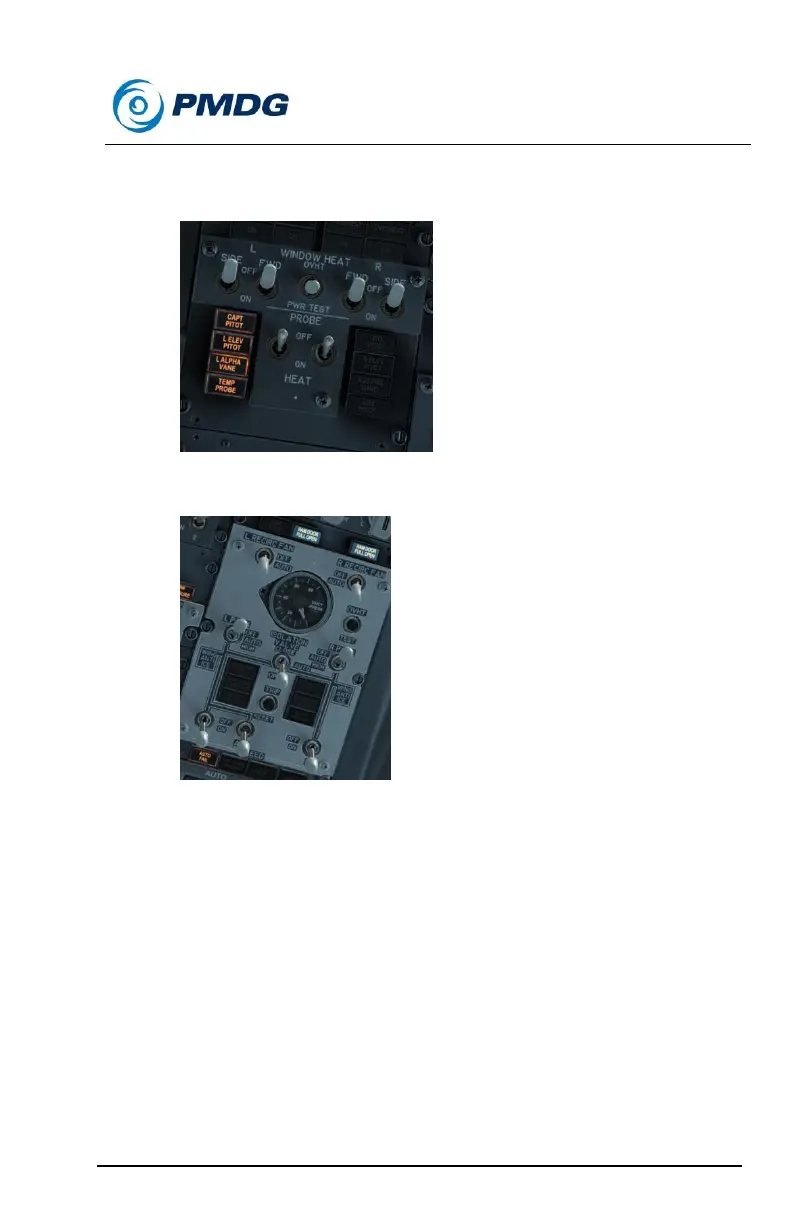
Set all four WINDOW HEAT switches at the top of the forward
overhead panel to OFF.
Set both PACK switches on the pneumatic panel to OFF.
Perform the SECURE checklist, located on page NC.4 of the
QRH (page 28 of the PDF version). As with the SHUTDOWN
checklist, we’re just checking the items we’ve already performed
as part of the procedure here.



 To Next Page