Bank account no.: Rabobank 16 01 00 046
Chamber of commerce 27 16 95 41
IBAN Code: NL95 RABO
T. 31 (0) 10 522 43 73
F. 31 (0) 10 521 19 41
www.tamson.com
info@tamson.com
P.M. Tamson Instruments bv
van 't Hoffstraat 12
2665 JL Bleiswijk
THE NETHERLANDS
Tamson Instruments bv
Thermometer man.docx Rev 1.02 UK “23
8 Communication
8.1 Serial connect
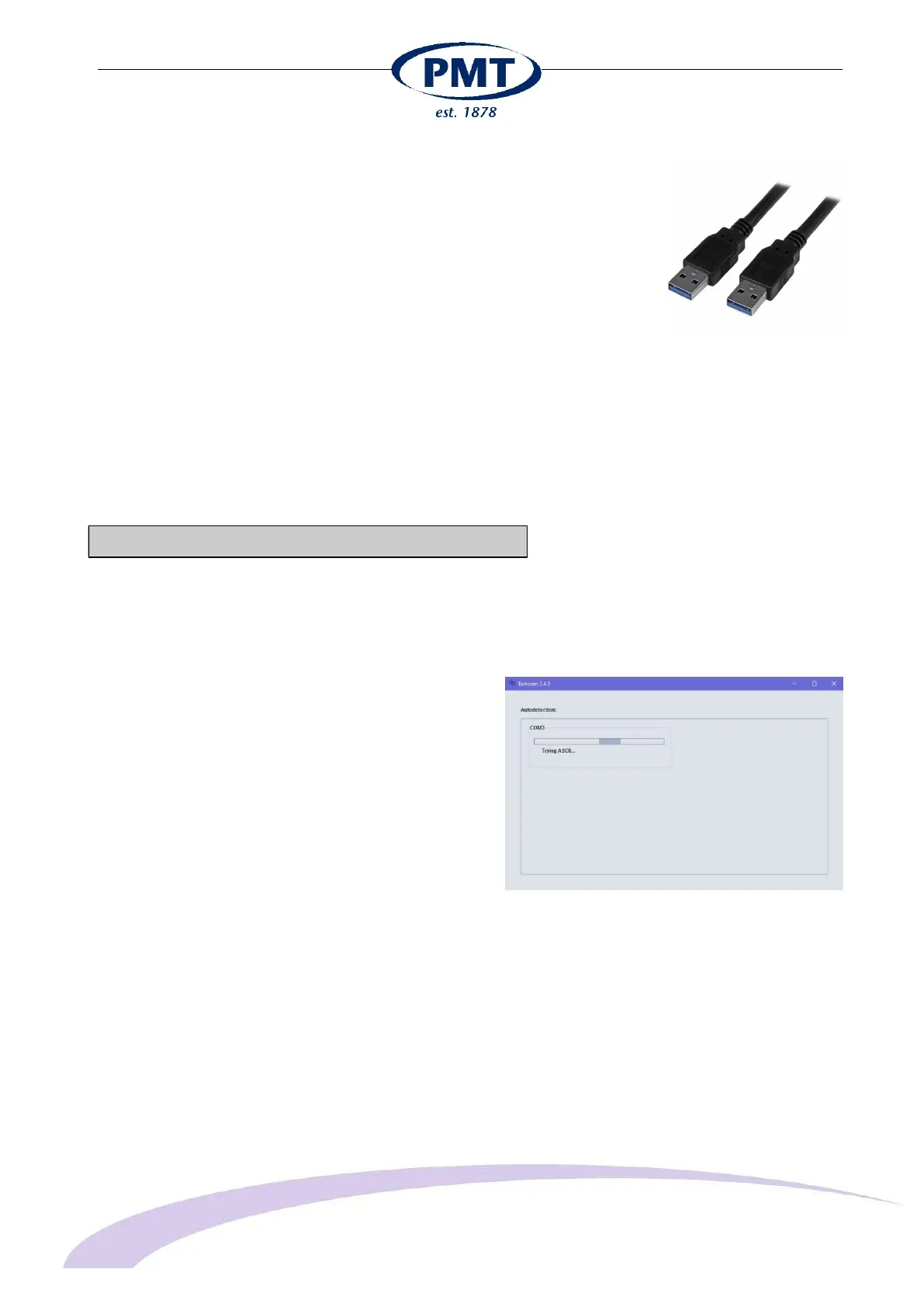
The Thermometer has a USB-A connector on the right side.
Communication can be established when connecting the
thermometer to a PC or laptop using the USB connection.
Standard a USB – A to A cable is supplied
8.2 Software Tamcom for Windows
The thermometer can be connected to a Windows PC or
laptop.
If the PC has a COM port available, the thermometer can be
connected directly onto the PC or Laptop.
Use a baud rate setting on the thermometer of 57.600K
8.3 Installing the TAMCOM software is simple.
Double click the file “tamcom.zip”
Double click the executable file tamcom-setup.exe
The installation will now start.
If a com port is available, the screen will look like this


 To Next Page