Instruction book
30 9828 0931 61
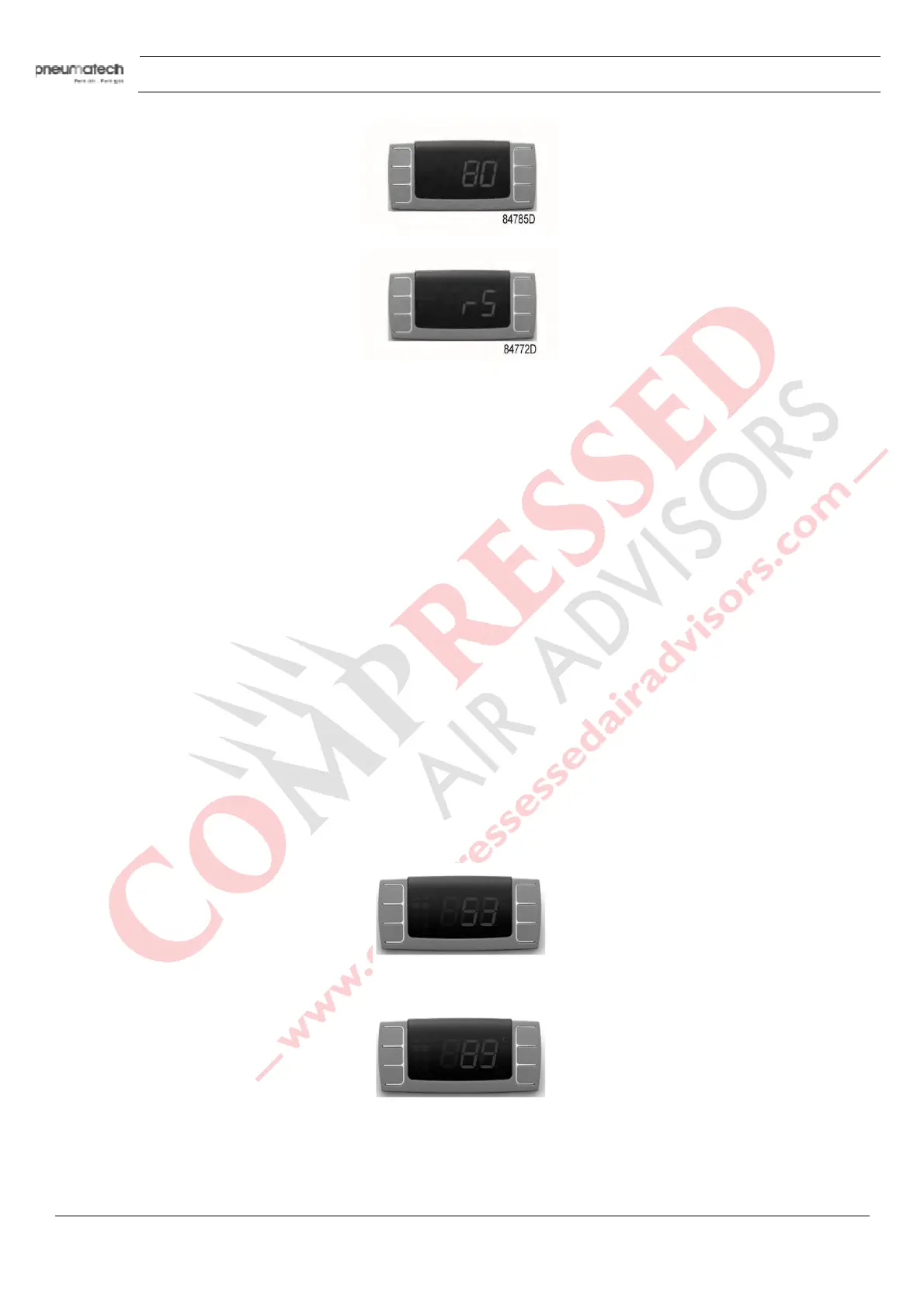
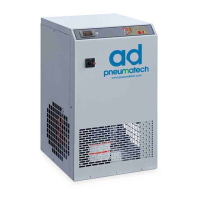
9. Then “rS” is fixed and “°C” blinks on display for about 10 seconds.
The new service interval is now set.
F
reeze protection function
Once the digital controller detects a dewpoint temperature below -2°C during more than 2 minutes, (L2
Alarms), it switches off the refrigerant compressor.
Resetting the dryer after a refrigerant compressor stop
Press button 7 to reset the alarm.
The dryer restarts when both the following conditions are true.
• The dewpoint temperature is higher than -2°C
• 30 second are passed from the refrigerant compressor stop (minimum balancing pressure stop time).
A countdown is available if the reset is made before the minimum stop time.
Silent alarm function
To snooze the alarm, press button 7.
Refrigerant compressor discharge temperature visualization function
To see the discharge refrigerant compressor temperature, follow steps 1 to 5:
1. PDP is showing standard view.
2. Push and hold buttons SET (8) and DOWN (10) to enter the menu.
3. Push and release the UP button (9) until message “S3” appears on display.
4. Push and release the SET button (9) to enter the “S3” parameter.
5
. Current temperature of discharge refrigerant compressor is displayed.



 To Next Page