These icons are only shown if their corresponding function is activated (e.g. week timer,
automatic restart after voltage failure, etc.)
• Pop up icons
These icons pop up if an abnormal condition occurs (warnings, shutdowns, service,...)
To show more information about displayed icons, select the icon using the scroll keys and push the
Enter key.
• Section C is called the Status bar
This bar shows the text that corresponds to the selected icon.
• Section D shows the Action buttons. These buttons are used:
• to call-up or program settings
• to reset a shutdown, service message or emergency stop
• to have access to all data collected by the controller
The function of the buttons depends on the displayed menu. The most common functions are:
Designation Function
Menu
To go to the menu
Modify
To modify programmable settings
Reset
To reset a timer or message
To enable an action button, highlight this button by using the Scroll keys and push the Enter key.
To go back to the previous menu, push the Cancel / Escape key.
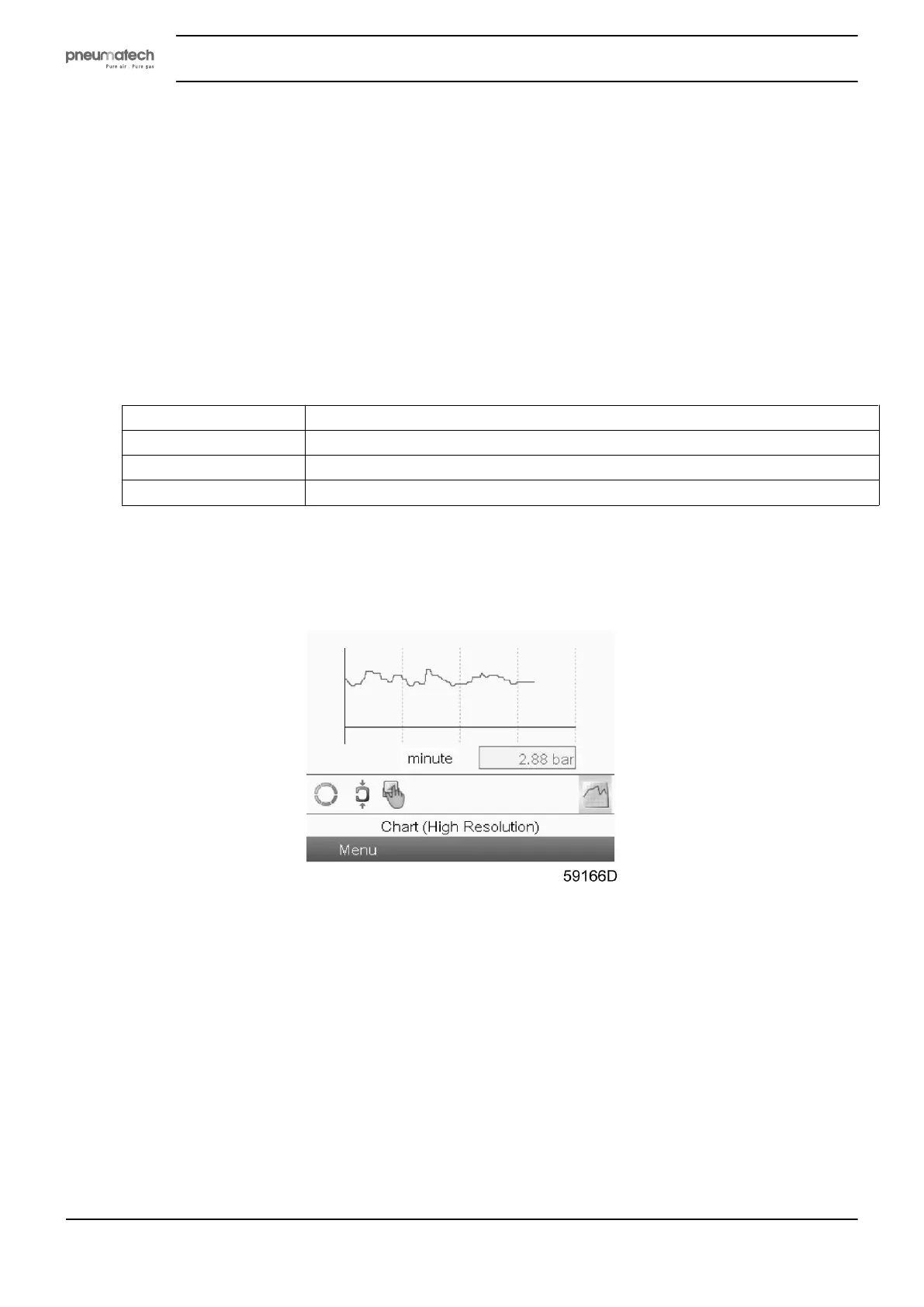
Chart views
When the Chart (High Resolution) display is selected, a chart with an X-axis covering 4 minutes is
displayed. The value displayed on the Y-axis depends on the selection made in the input screen. Each chart
dot represents 1 second.
Instruction book
22 2920 1891 00


 To Next Page