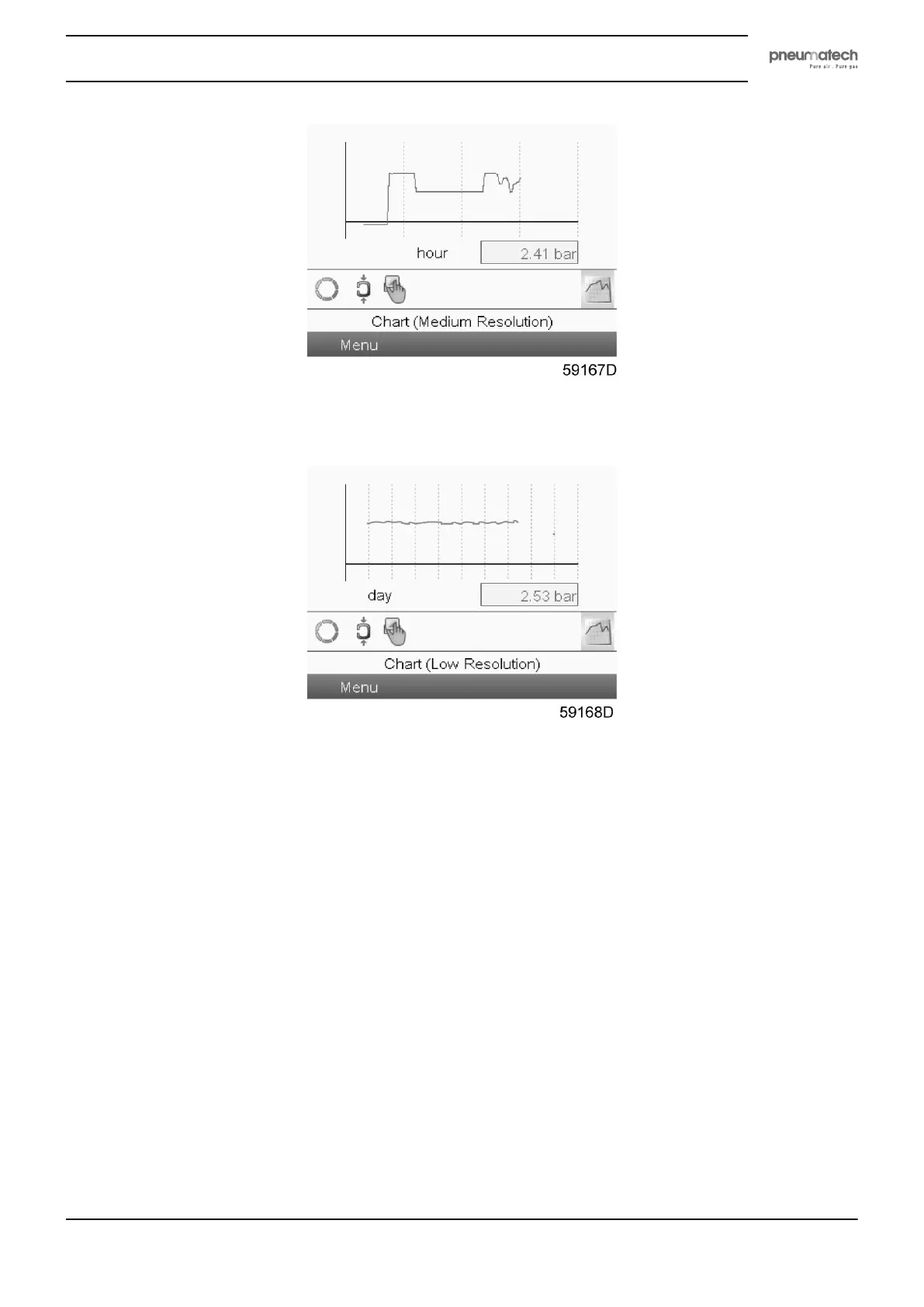
When the Chart (Medium Resolution) display is selected, a chart with an X-axis covering 4 hours is
displayed. The value displayed on the Y-axis depends on the selection made in the input screen. Each chart
dot represents a 1 minute average value.
When the Chart (Low Resolution) display is selected, a chart with an X-axis covering 10 days is displayed.
The value displayed on the Y-axis depends on the selection made in the input screen. Each chart dot
represents a 1 hour average value.
4.5 Controller menu structure
Main menu
Press the Enter key to go to the main menu screen that is shown below.
Instruction book
2920 1891 00 23



 To Next Page