• A pop-up screen appears. Use the ↑ or ↓ key to select the required parameter and press the Enter key
to confirm.
Access key
Different security levels are programmed in the regulator (e.g. user, service technician, etc). This menu
item is used to change the security level. Scroll to the correct icon using the scroll key. Press the Enter
button. Press the Enter button again to modify the security level. Press the Enter button again, a pop-up
menu appears. Use the scroll keys to enter the password of the new security level. Press the Enter key to
confirm the change.
User password
If the password option is activated, it is impossible for not authorized persons to modify any setting.
• Using the Scroll keys, move the cursor to the Password icon.
• Press the Enter key.
• Select the Modify button using the Scroll keys and press the Enter key. Next, modify the password as
required.
4.8 Web server
All controllers have a built-in web server that allows direct connection to the company network or to a
dedicated PC via a local area network (LAN). This allows to consult certain data and settings via a PC
instead of the display of the controller.
Getting started
Make sure you are logged in as administrator.
• Use the internal network card from your computer or a USB to LAN adapter.
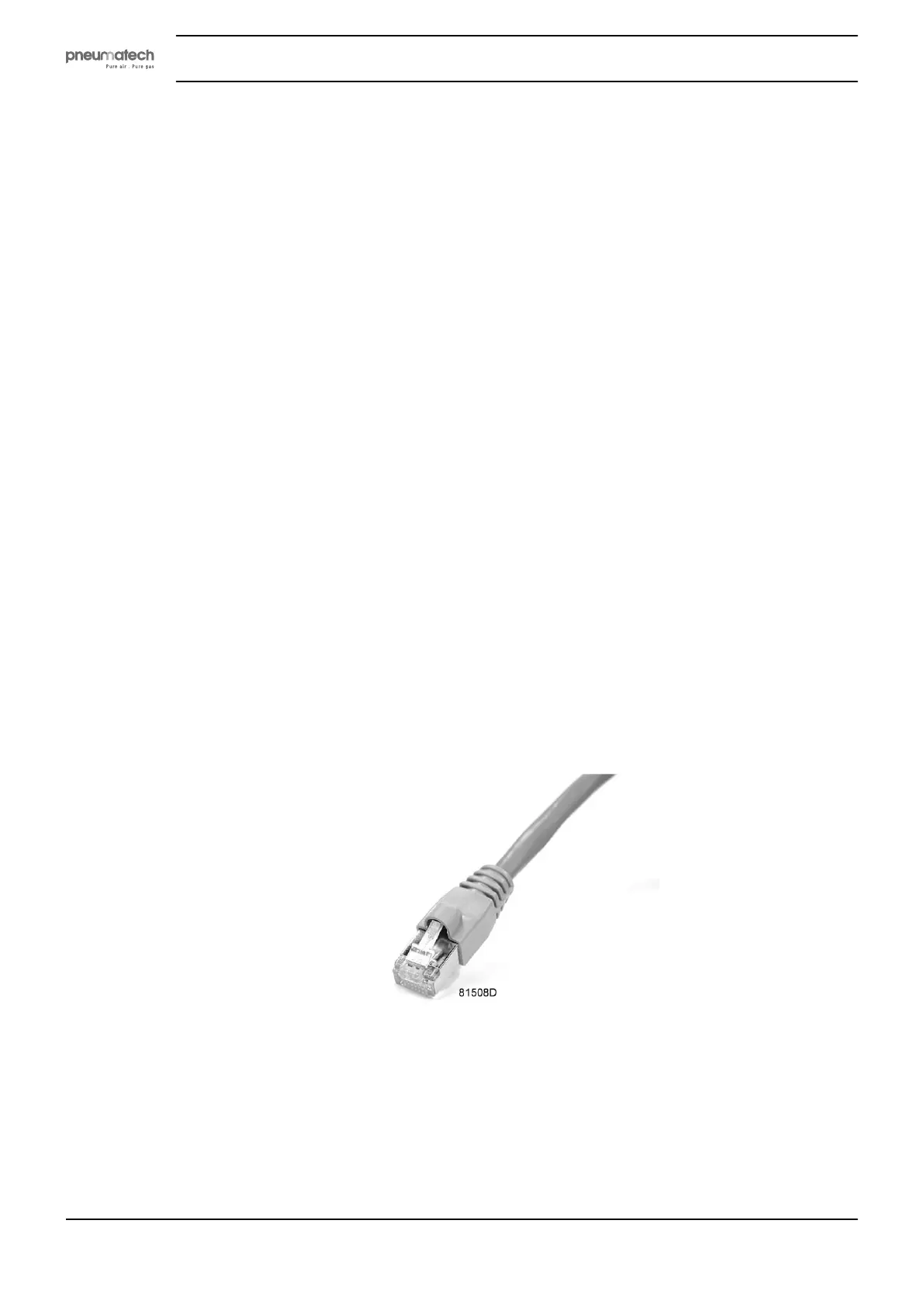
• Use a UTP cable (CAT 5e) to connect to the controller (see picture below).
Configuration of the network card
• Go to Network and Sharing Center (1).
Instruction book
34 2920 1891 00


 To Next Page