4.6 Test menu
Controller
Menu icon, Test
Function
• To depressurize the vessels and to test the output contacts.
• The vessels can only be depressurized when the dryer is stopped (off state).
• The test procedure will be stopped as soon as another menu is selected on the
regulator.
Procedure
Starting from the Main screen (see Main screen):
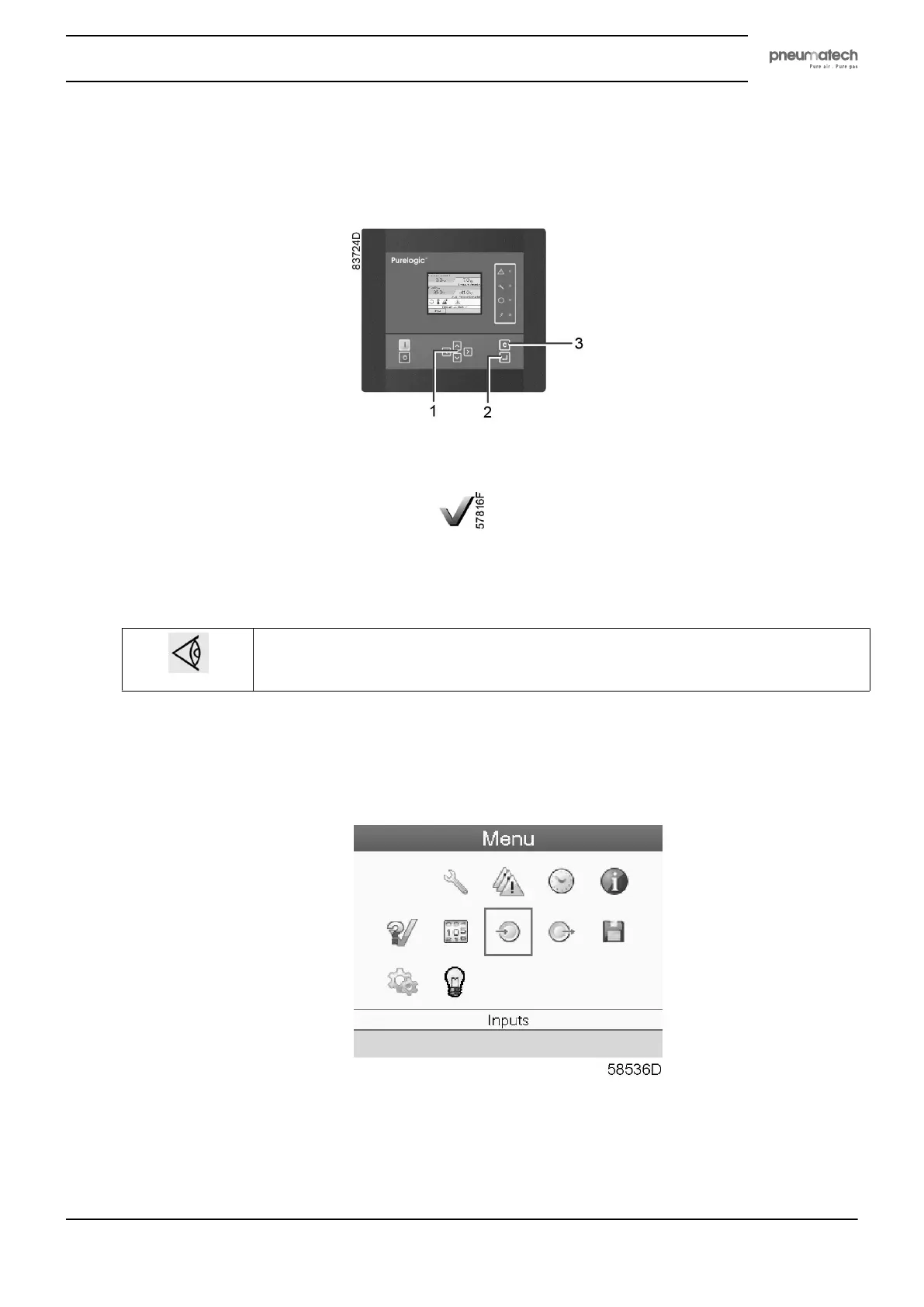
• Move the cursor to the Menu action button and press the enter key (2); following screen appears:
• Using the scroll keys (1), move the cursor to the test icon (see above, section Menu icon).
• Press the enter key (2); following screen appears:
Instruction book
2920 1891 00 27


 To Next Page