Getting Started 25
INSERTING MICRO SD CARD
The Device already has 8 GB of internal storage, but you
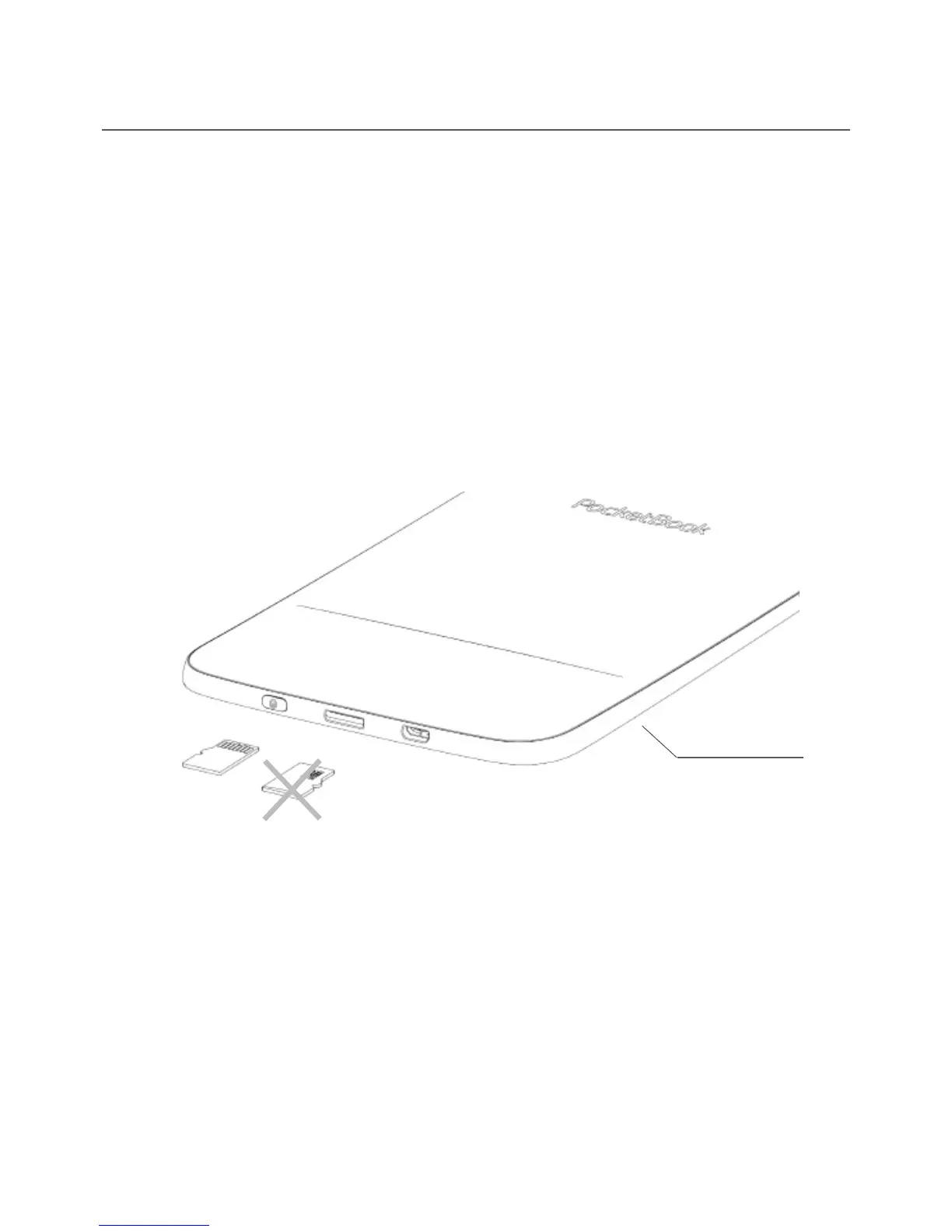
can extend it by using micro SD card (up to 32 GB). Insert
it to the slot, like it is shown on a figure, and slightly push
until card will be fixed.
To eject the card, slightly press on its edge until it will be
unfixed, and pull it to get.
ATTENTION! If your SD card get stuck, do not try to eject it by
yourself and immediately call Customer Support.
Back view















 To Next Page