Reading Books 47
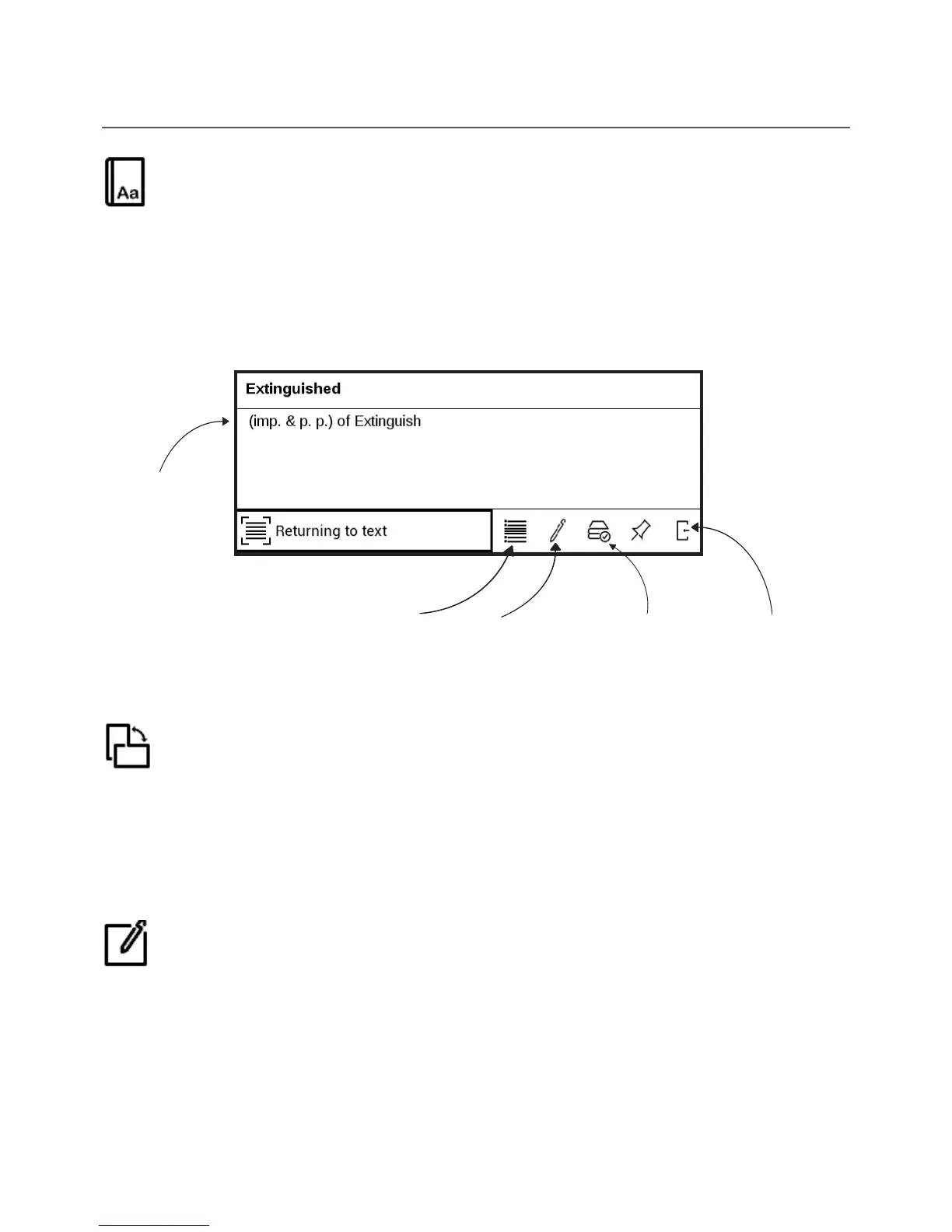
Dictionary
Single-word translation. By default cursor highlights the
word to translate and dictionary looks for translation
automatically. OK button press switches to a toolbar.
Rotate
Fixes the screen orientation: select the suitable one with
navigation keys.
Notes
You can enter notes mode by pressing Down button con-
tinuously or by pressing the corresponding menu option.
Back to text
On-screen
keyboard to
type word to
translate
Change
dictionary
View resem-
bling words
Word
translation















 To Next Page