Getting Started 13
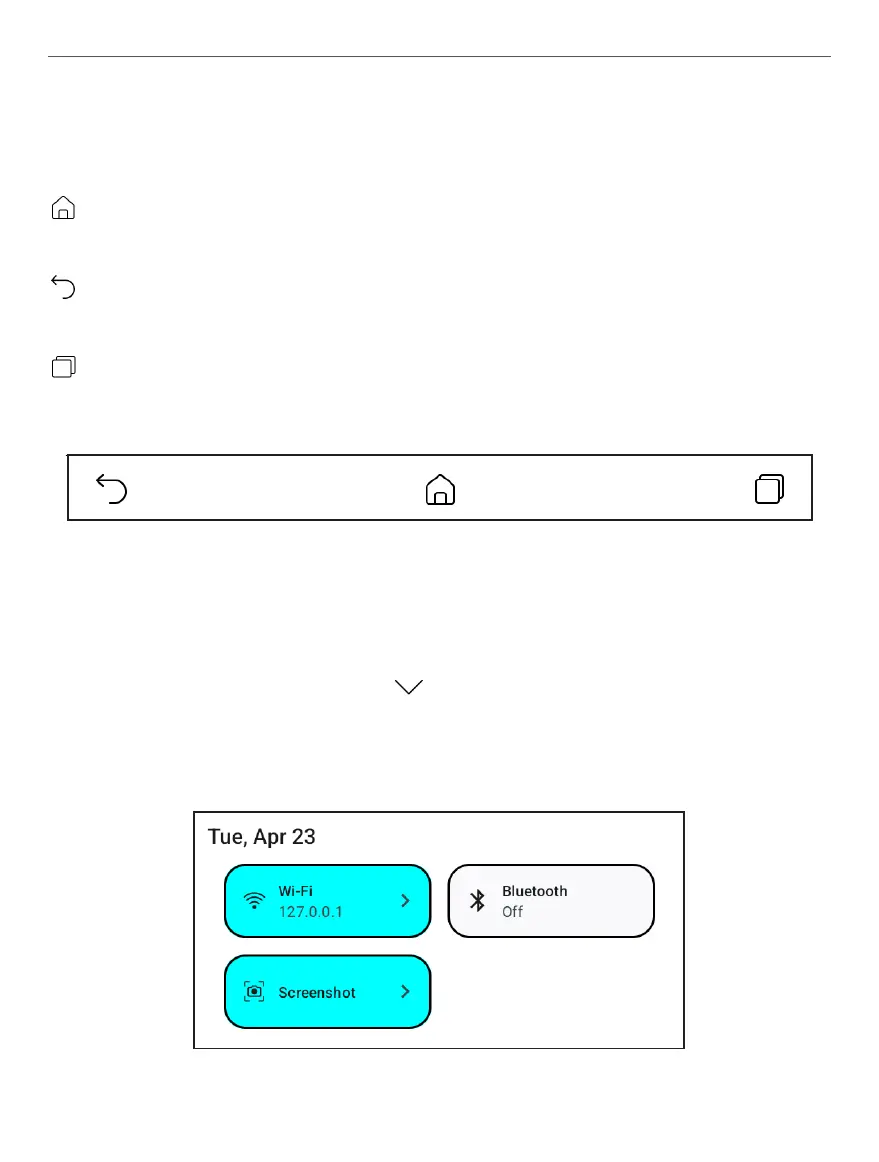
Navigation buttons
Home button – instantly returns you to the Main Menu
from any part of the device’s Firmware.
Back button – cancelling latest action and returns back
for one step.
Task manager button – allows you to observe and con-
trol recently launched applications.
Navigation buttons appearance
Notication panel
Touch or slide down the button to open a Notication
panel.



 To Next Page