Reading Books 40
Add note. Allows you to add a note. You can also use the
long tap gesture on a word.
Settings. Here you can set the global reading settings for
chosen book.
Organize. Allows you to organize the bottom panel.
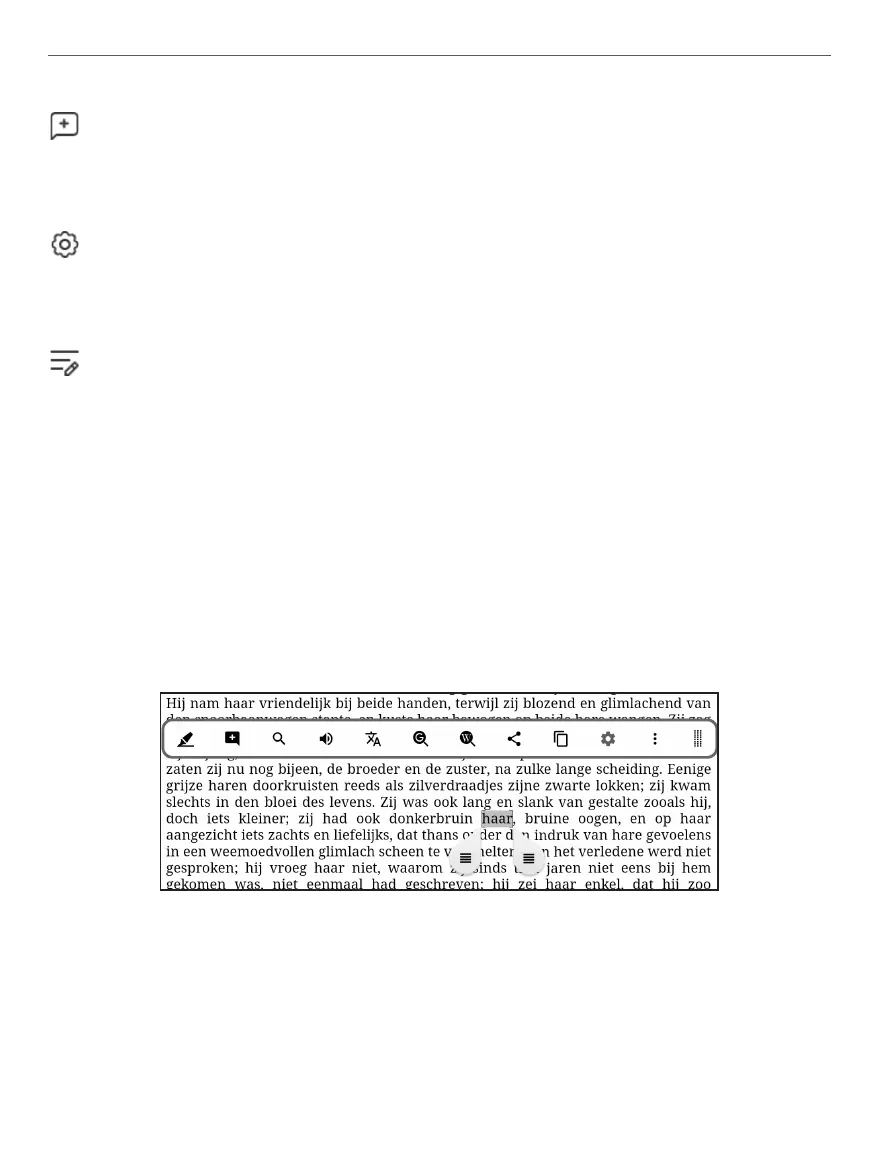
Long tap menu
Tap and hold your nger on any word or phrase while read-
ing the book to call for the long tap menu.
Tap Highlight – to highlight any selected word or phrase.
Tap Bookmark – to type your bookmark or note with the
virtual keyboard.



 To Next Page