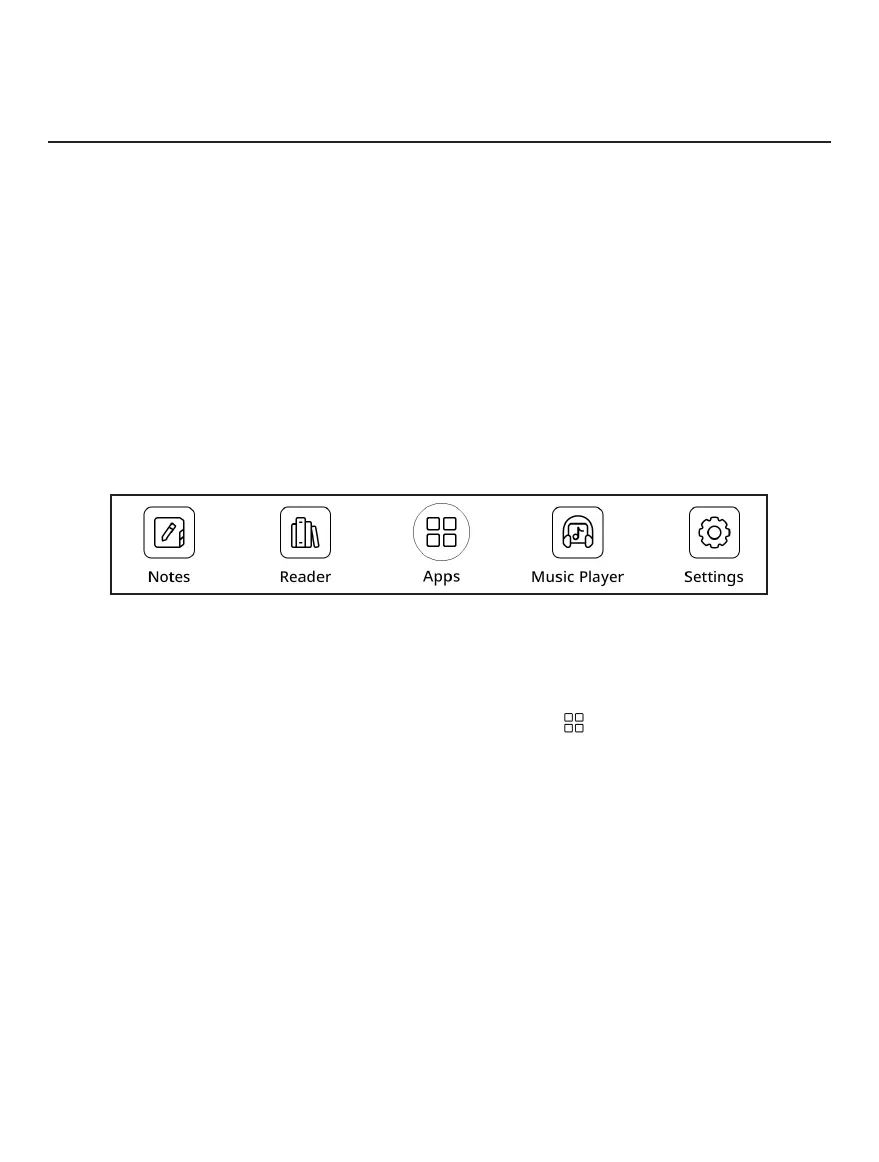
Other apps are available in the application menu. To open
the application menu, click on the icon .
To move, replace, or delete apps in the Main menu, use the
context menu by long tapping on the app icon.
Applications
In this section, you can review the applications installed on
your device.
The default home screen contains four applications:
• Notes;
• Reader;
• Audio Player;
• Settings.



 To Next Page