Reading Books
In this section you will learn how to read e-books and cong-
ure reader software for the best reading experience.
The Device supports the following book formats: ACSM,
AZW, AZW3, CBR, CBZ, DJVU, DOCX, EPUB, FB2, FB2.ZIP, HTM,
HTML, MOBI, PDF, PRC, RTF, TXT.
To open an e-book, touch its icon on the Home screen or
Reader section. If you have opened the book before, it will
be opened at the page you’ve nished reading.
Navigation and page turning
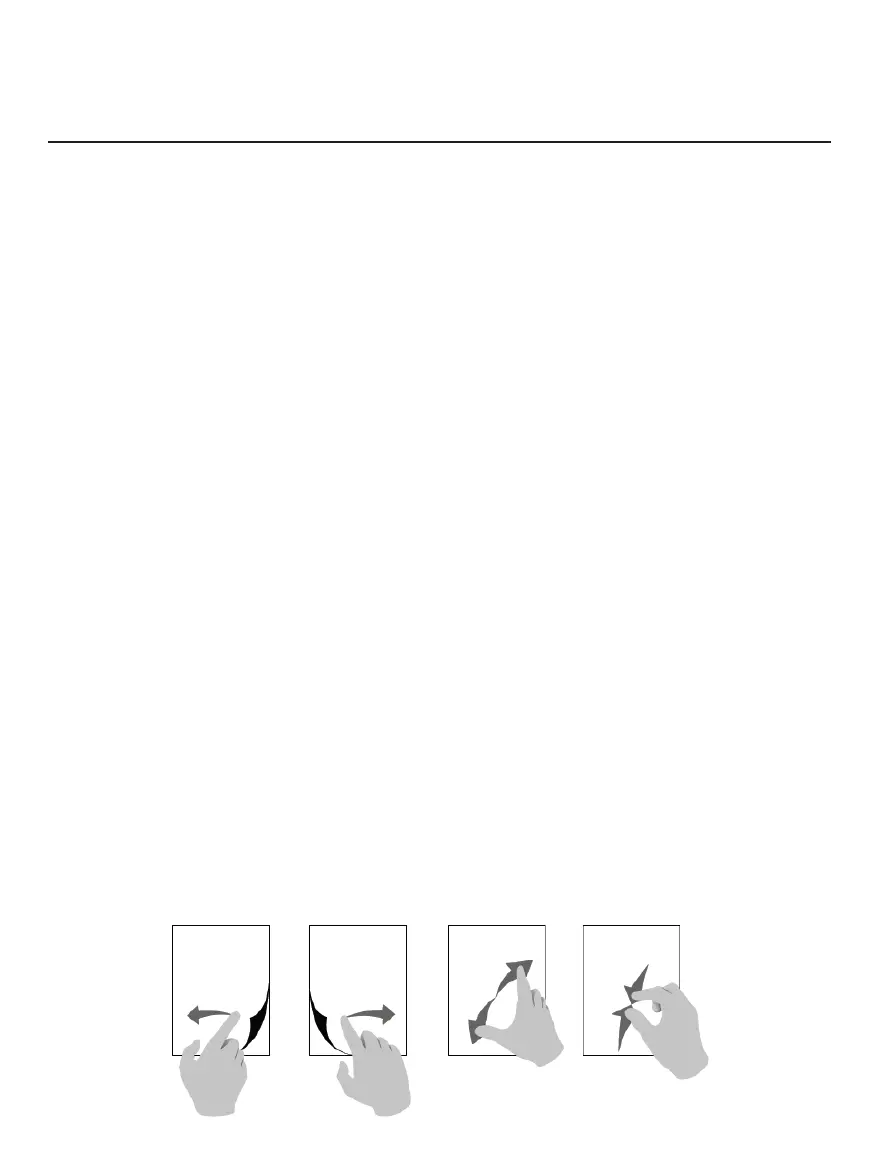
To turn the pages of an e-book you can use any of the follow-
ing methods:
1. Swipe Left/Right gestures with your ngers.
2. Tap Left/Right part of the screen
Page turning Scaling



 To Next Page