Applications 32
Tap on an image to open it in viewing mode. To open the
image in the full-screen mode, tap in the center of the image
in viewing mode. To exit full-screen mode, use the icon at
the bottom of the screen.
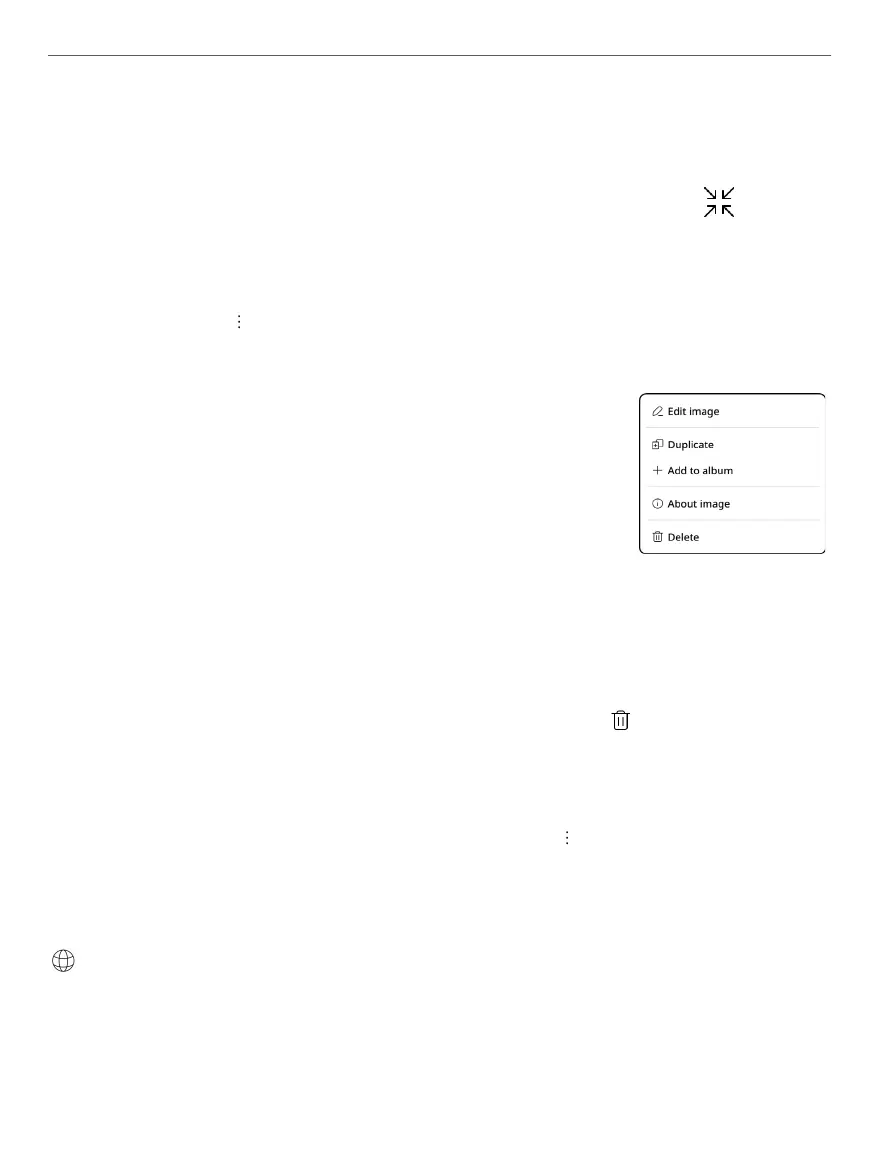
Сlick on the icon in viewing mode will open a context
menu with the following options available:
• Edit Image - to edit images using the editing
tools;
• Duplicate - to create a duplicate of the image;
• Add to album - to add an image to the se-
lected album;
• About image - to view information about the image;
• Delete - delete the selected image.
To delete an image, select it and click the icon, or in the
viewing mode open the context menu and select Delete >
Move to recycle bin. To restore an image, go to the gallery,
open the context menu by clicking the icon, select Recycle
bin, choose the image you want to restore and click Recovery.
Browser
This is an application for viewing web-pages. As you start
the Browser, you are asked to connect to one of the available
wireless networks.



 To Next Page