Applications 31
To add new pictures to an existing album, open the album,
click the icon , select the pictures, and click Add to album or
use a long-touch gesture on a picture, then
click on the icon to open the context menu
and select Add to album. You can also use this
menu to select all images or create duplicate images.
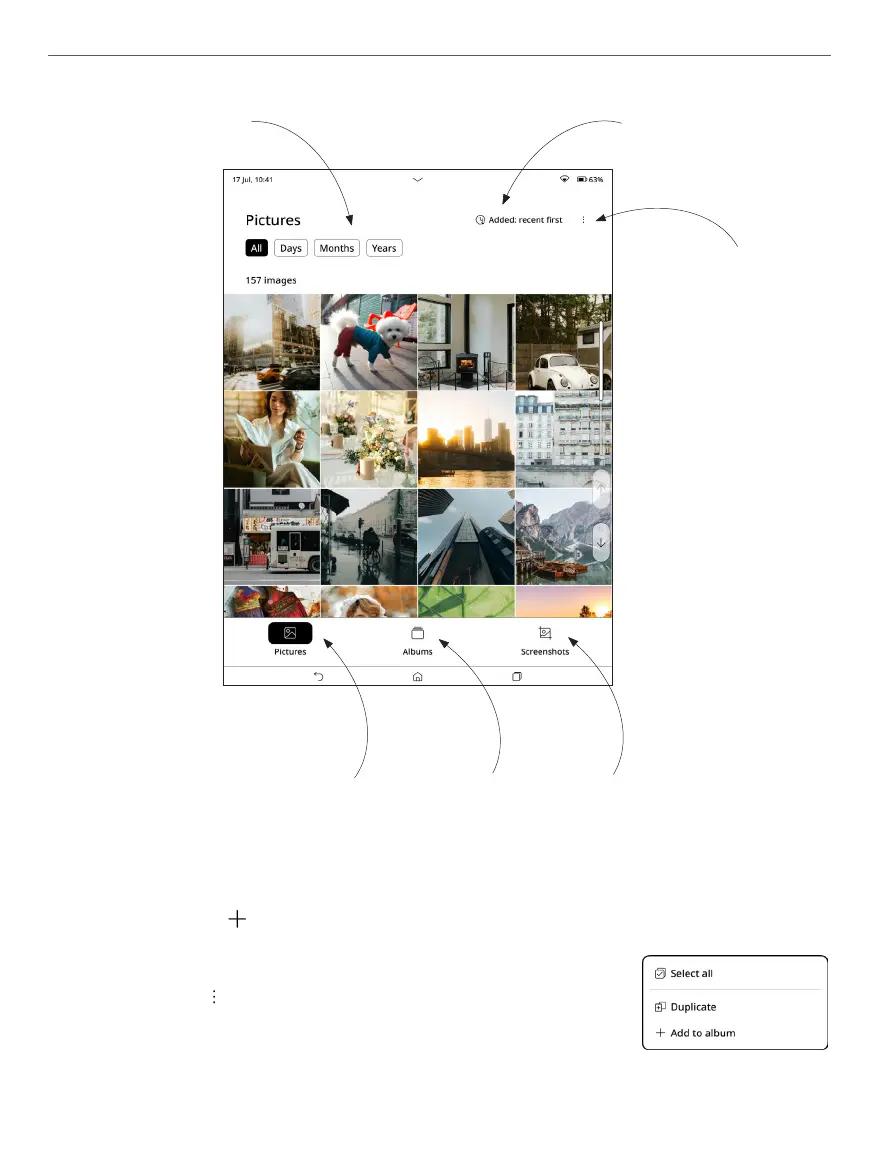
Sort images by
date
Sort images by recent
Open Context Menu
Open Pictures Open Albums Open Screenshots



 To Next Page