Applications 33
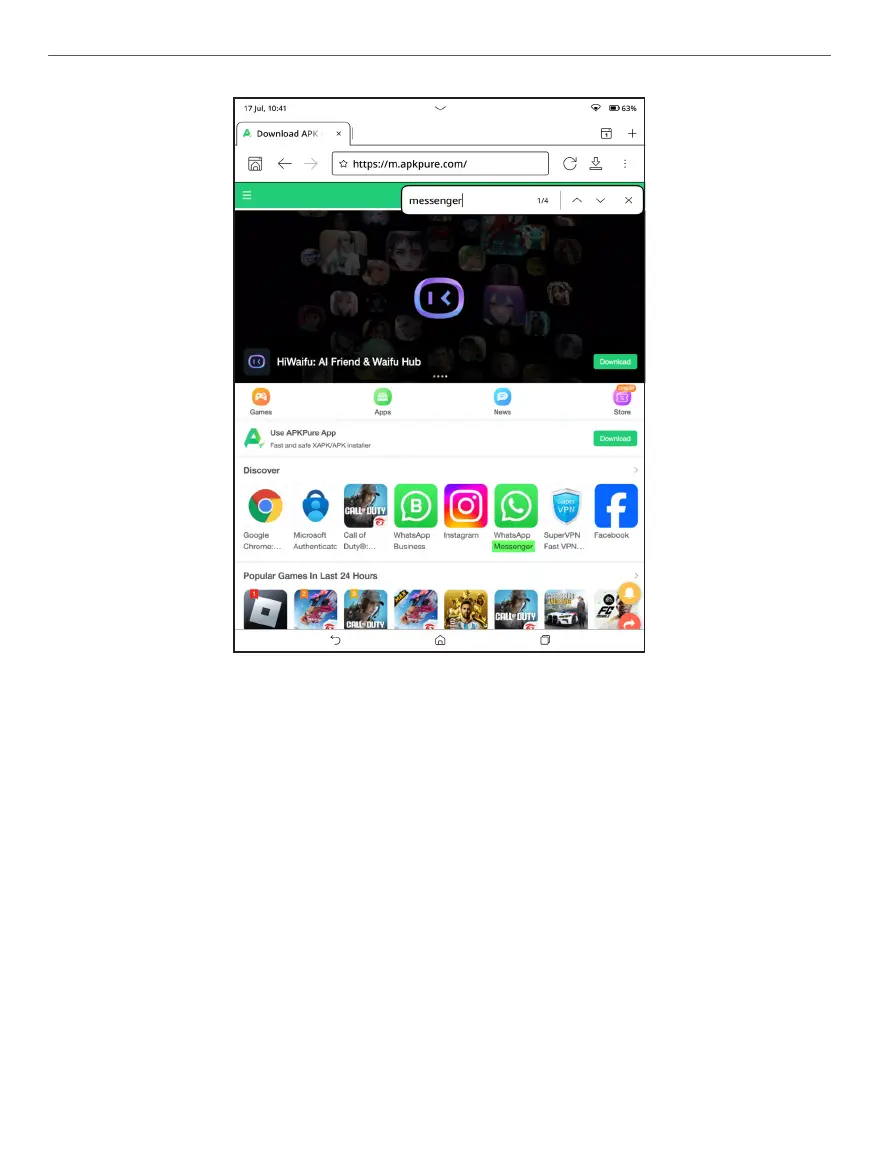
Browser appearance
To enter a website address, touch the address bar, type an
address from the on-screen keyboard that appears, and
press Enter. To follow a link, simply touch it. If a web-page
doesn’t t a screen, you can scroll it: place your nger on the
screen and move a page. You can also change the scale of a
web-page by using zooming gestures (pinch or spread two
ngers).



 To Next Page