Getting Started 17
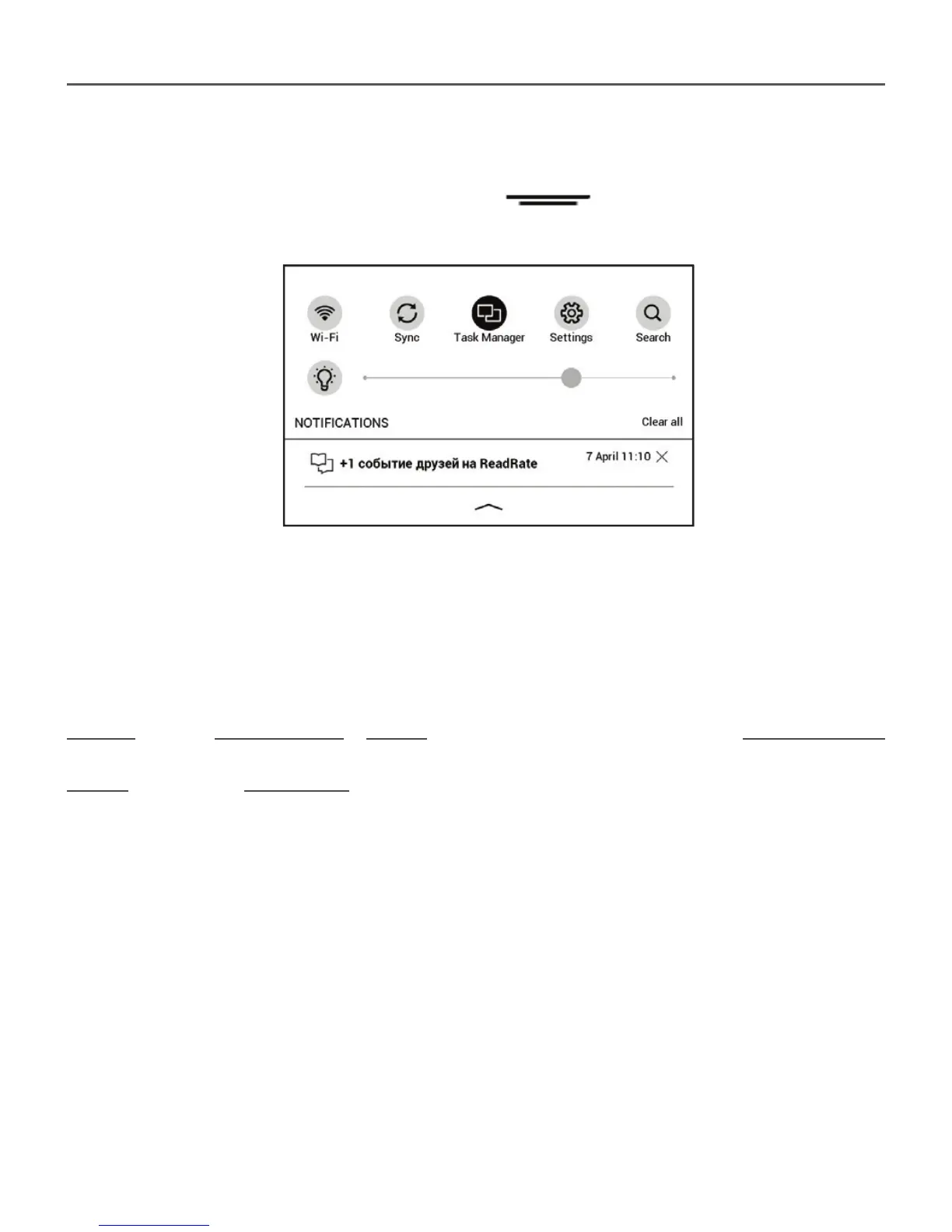
Notifi cation panel
Touch or slide down the icon
to open a Notifi ca-
tion panel.
NOTE: You can open Notifi cation panel also pressing a Menu button.
Notifi cation panel gives an easy access to confi guration of
Wi-Fi and Frontlight, Sync of network services, Task man-
ager, device Settings and Search.
Also the news on ReadRate are displayed on it.
NOTE: To see the ReadRate news, please, authorize to the service
fi rst. Go Settings > Accounts and Synchronization > ReadRate and
Log in the service.















 To Next Page