Reading Books 52
BOOKMARKS
To create a bookmark, touch right top corner of the screen.
A dog ear mark will appear. To delete a bookmark, touch
this mark again and confirm deletion.
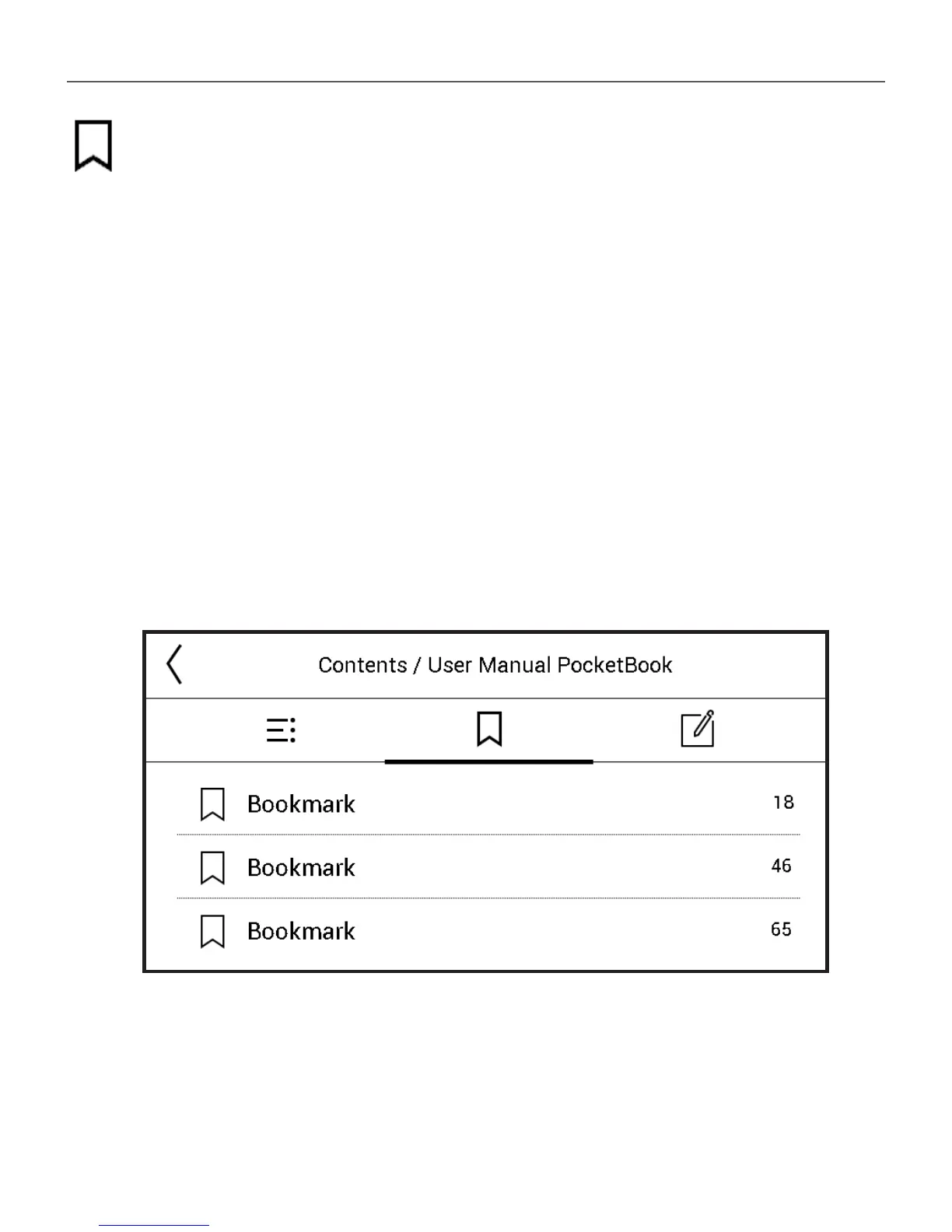
Also you can add/remove bookmarks by selecting the cor-
responding reading menu item. All the bookmarks are dis-
played in book contents.















 To Next Page