Applications 27
If the connection with an account is set properly, you get
access to all the features of a portal.
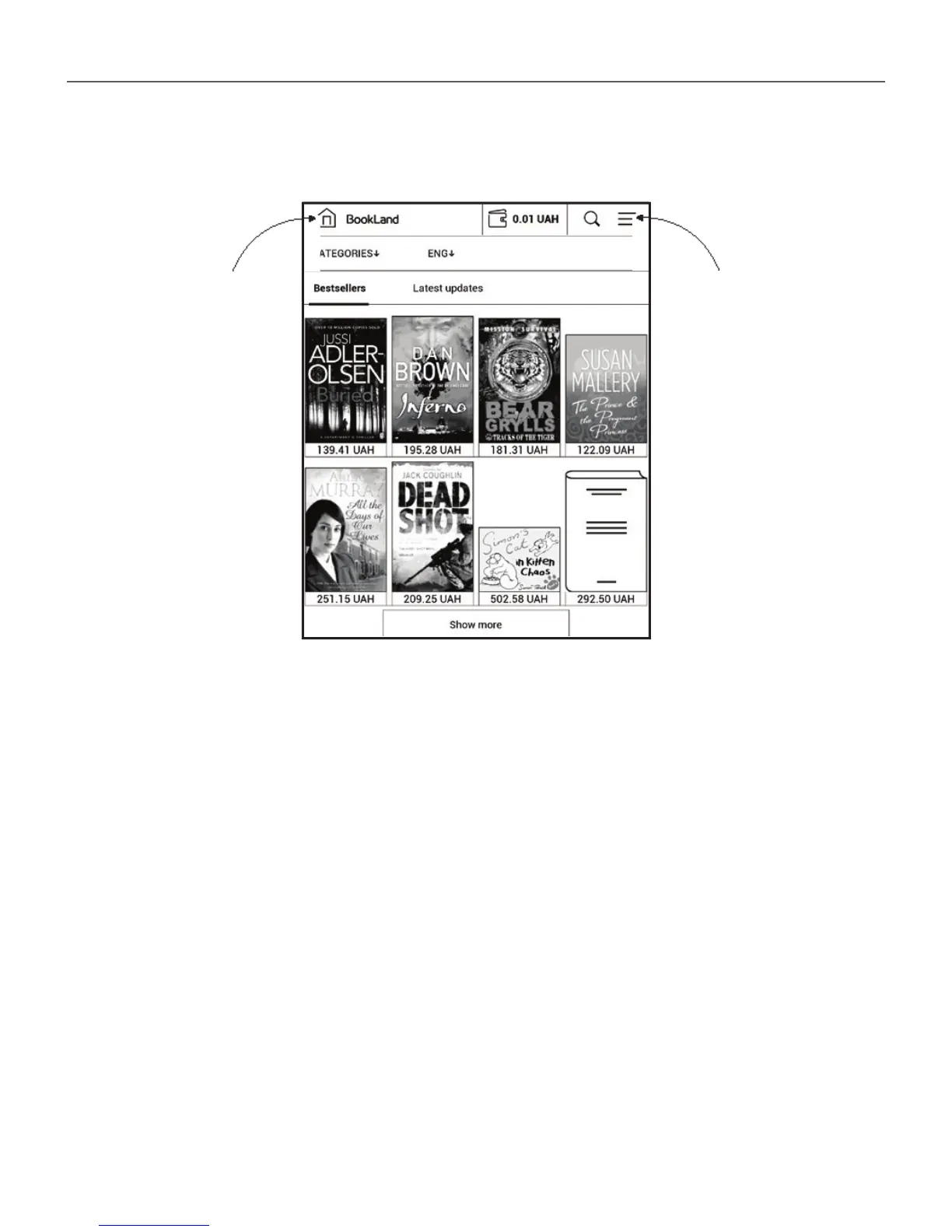
Press the Personal Room to expand options for work
with a personal account:
• Top up the balance – top up the balance on a site
BookLand or directly on the Device using the bank card
(Visa, MasterCard, Maestro);
• Purchase history – the list of goods, purchased at
the store;
• My cards – used bank cards;
• Exit.
Home Personal room















 To Next Page