Applications 31
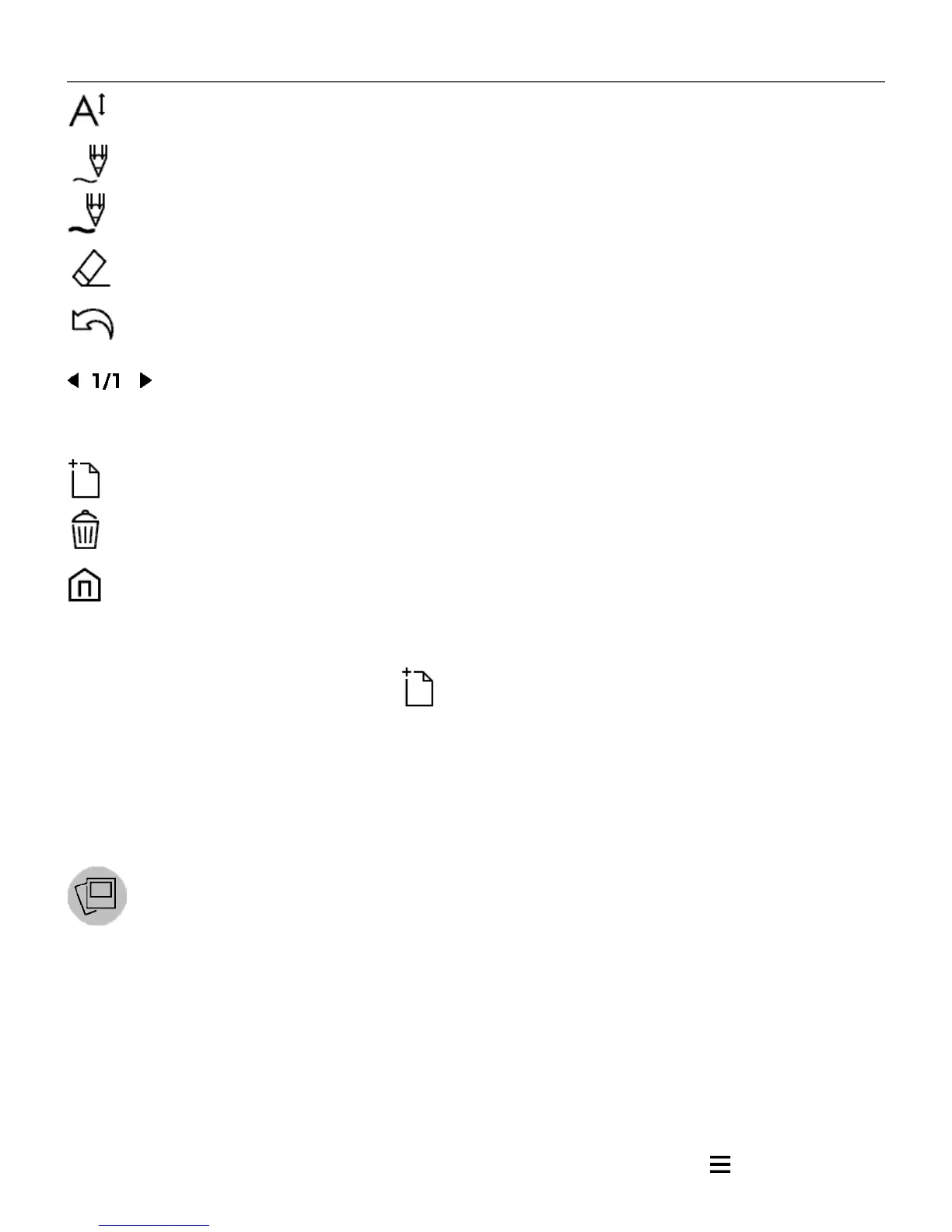
Font: change font and its size;
Pencil: a tool for drawing thin lines;
Marker: a tool for drawing thick lines;
Eraser: a tool for removing lines and text;
Back: cancel the last operation;
Current drawing/total number of drawings: change
the current drawing;
New: start new drawing;
Delete drawing;
Exit application.
To save a picture, touch icon. The current picture will be
saved to the My Pictures folder in the root folder of the Device.
In addition, Scribble application is used for editing graphic notes.
Gallery
Opens Library in the mode of viewing images (downloaded
to the folder Gallery). The opened photo is displayed in a full-
screen mode. To set a photo as Power-off Logo, to Rotate
or view Information about it, touch the full-screen image to
switch to the editing mode and press menu sign in the right















 To Next Page