Reading Books 56
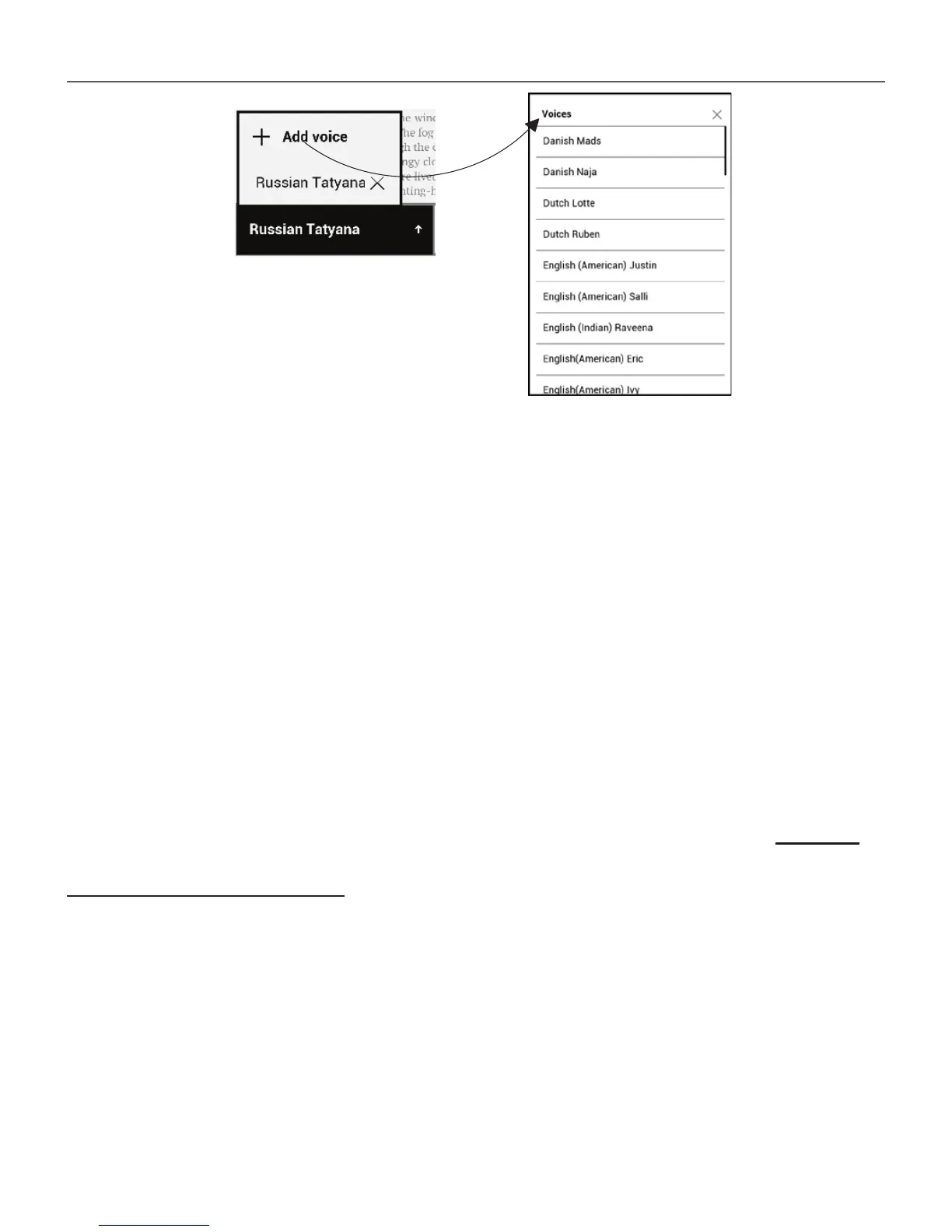
Installation of additional voice packs
WARNING! Before installing new voice packs we recommend checking for
a new version of the device software (Refer to «Software update» section).
Installation of the new voice pack
1. Please download the voice pack of your interest
(.pbi file extension) from the «Support» section at www.
pocketbook-int.com;
2. Connect the device to the PC via USB cable and copy
the voice pack to the internal memory of the device.
WARNING!
• The copied file should be placed in the root directory of the device’s















 To Next Page