Reading Books 53
DICTIONARY
Touch and hold a word to open a panel allowing you to
search for translation using one of installed dictionaries or
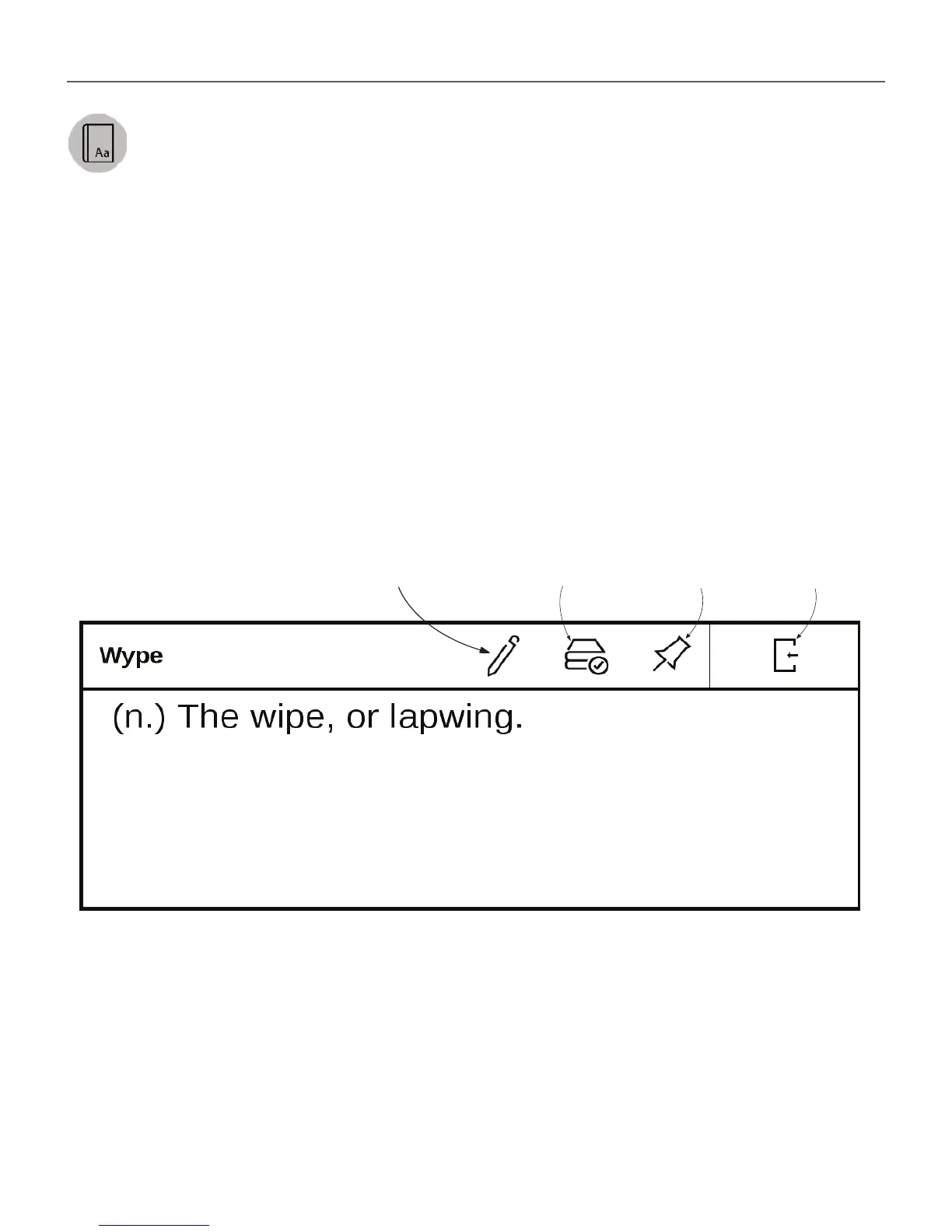
fi nd a word in Google. Also after selecting Dictionary item,
a window with dictionary entry of a selected word appears.
Next tools are available:
On-screen keyboard for
typing text for translation
Change
dictionary
Exit
Fix window















 To Next Page