Applications 34
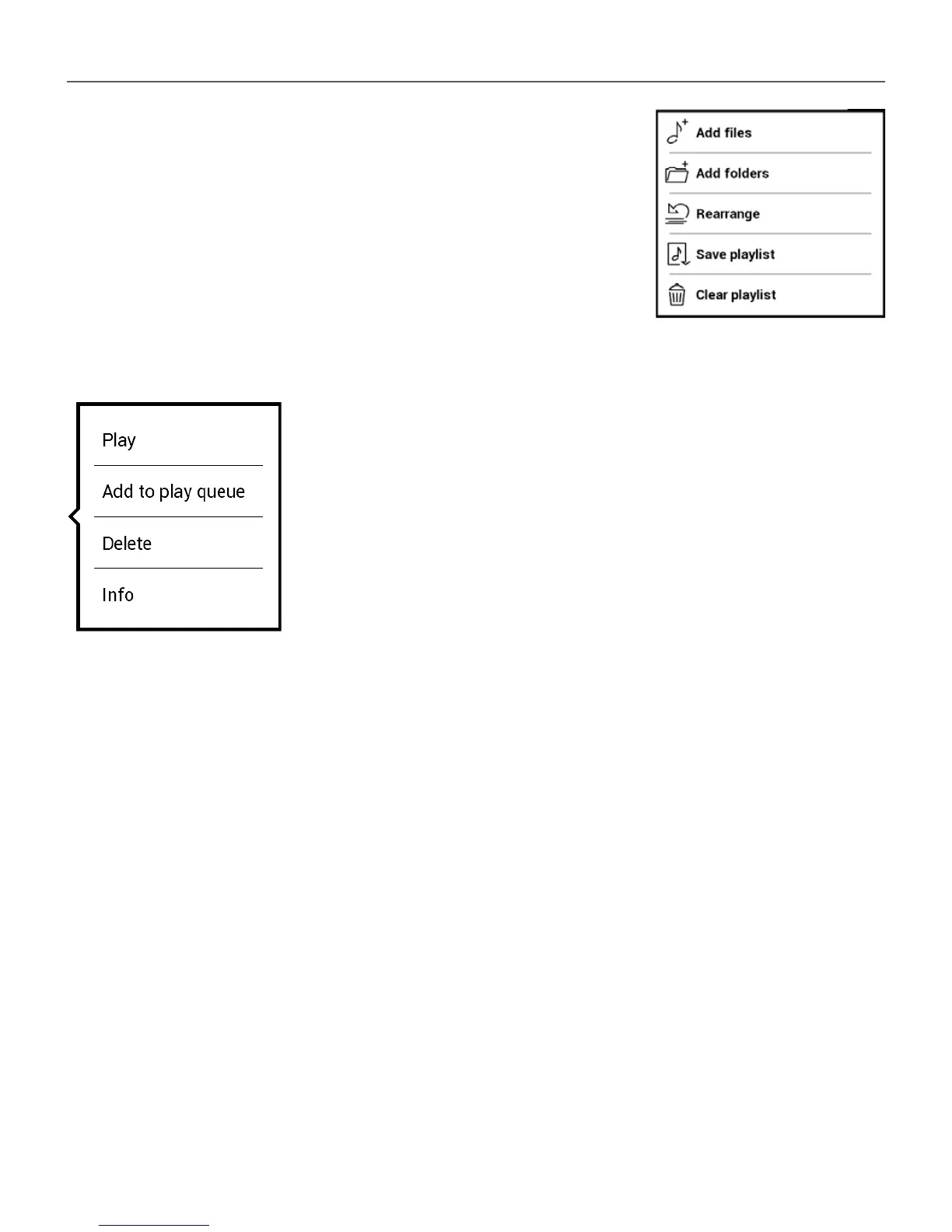
In the Application menu you can add
audio files and folders with audio to the
playlist, rearrange tracks, and save or
clear playlist.
By means of the context menu, opened
with a long press on the track, you can
perform the following operations: view
info about track, add to queue, or remove
the file from the list.















 To Next Page