Reading Books 47
Reading status and Book Rate
1. Touch one of the options (Now reading, Have read,
Plan to read, Recommend or Rate with stars from 1 to 5).
2. Enter data (E-mail and password) of one of your
accounts: in social networks or in the market Book Store.
3. In consequence there will be created the ReadRate
profile, you can link another social networks accounts to it.
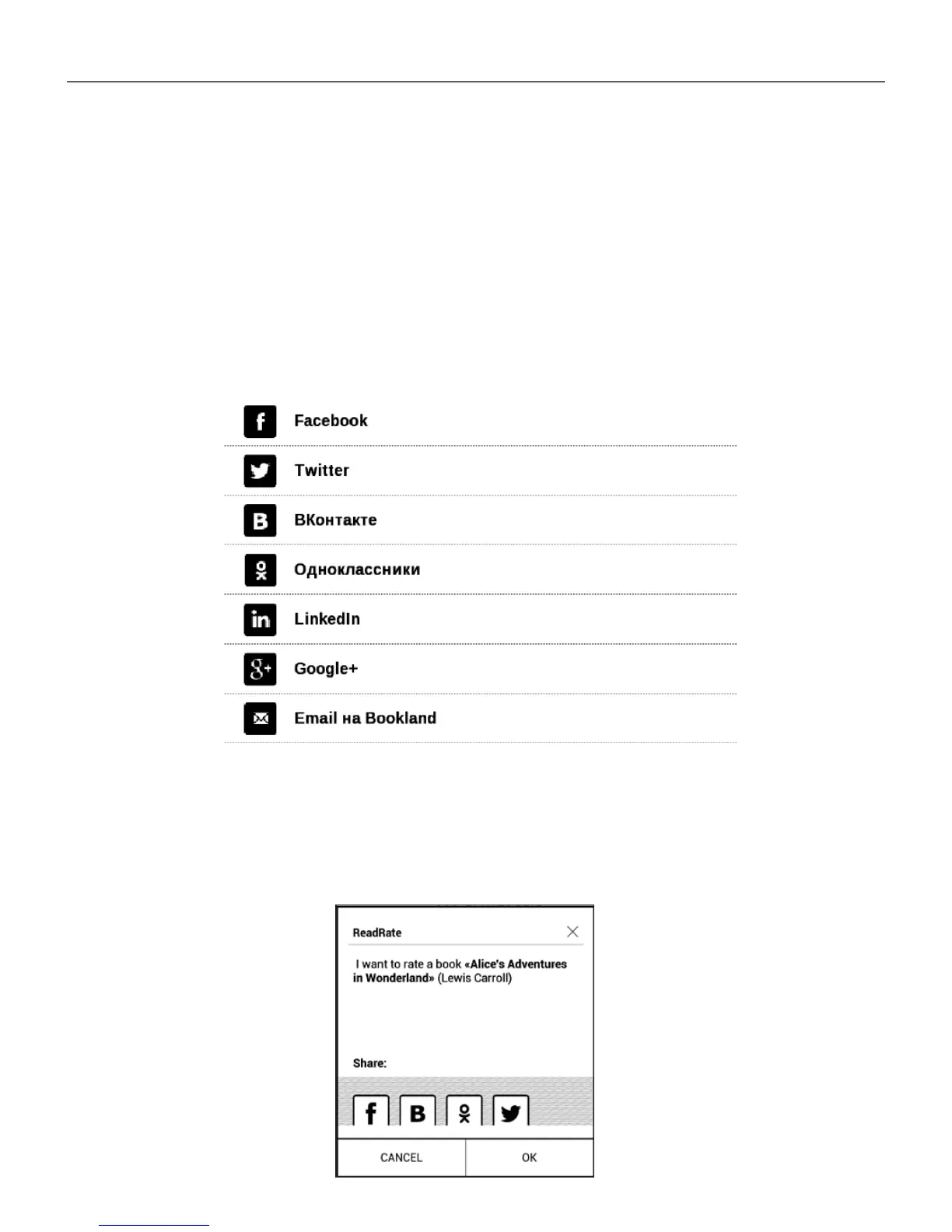
After authorization the window appears:















 To Next Page