Reading Books 72
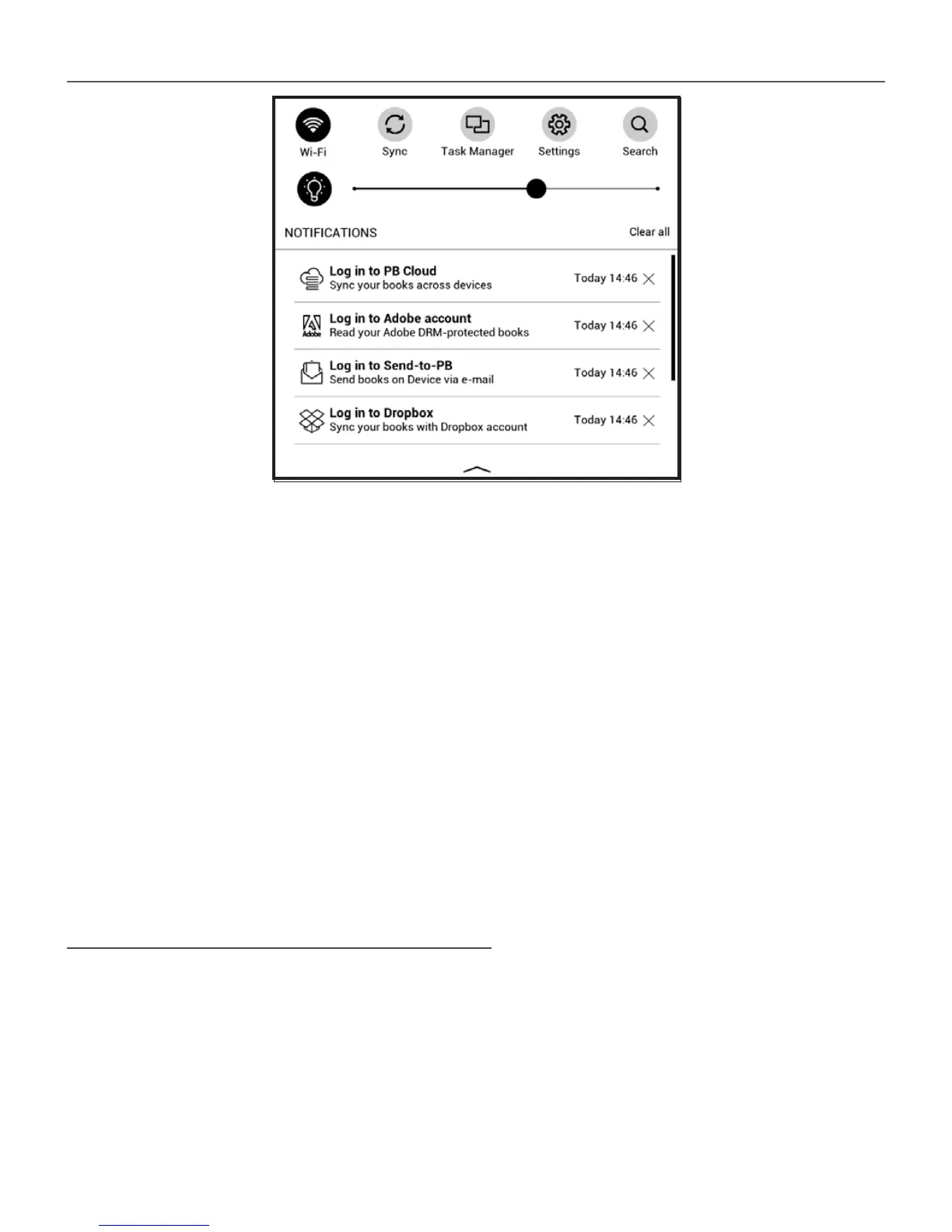
If you have skipped this step, a prompt to sign in to your
PocketBook Cloud account will appear in the notification
panel.
To sign in:
1. Tap on this notification or go to Settings > Ac-
counts and Synchronization > PocketBook Cloud.
2. You will be redirected to the login form, where you
can sign in using your bookstore account or you can tap on
Don’t have an account? Create! link.
3. A list of partners bookstores will open in the
Browser app. To continue, choose one of the suggested
bookstores by tapping on its name.















 To Next Page