• All equipment should be turned OFF when connecting.
• Power on from the top down: ash, then radio, then camera.
• If operation is erratic, check batteries rst. We recommend using high capacity
rechargeable batteries in your Speedlight(s).
• Use the latest rmware for your camera and review all manuals.
• A FlexTT5 may be used as a transmitter instead of the MiniTT1.
READ ME FIRST:
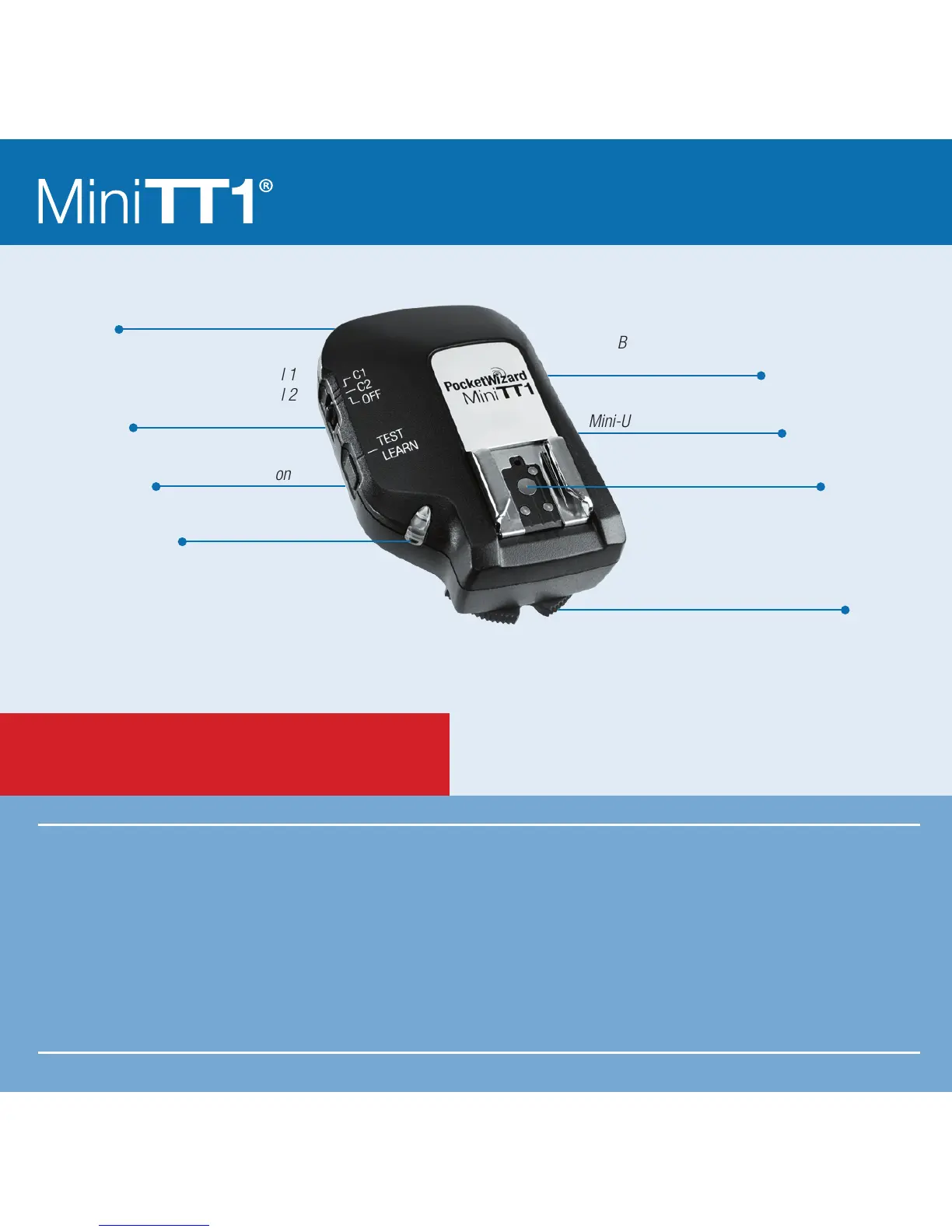
Locking Ring
Conguration/Channel 1
Conguration/Channel 2
Power Off
Internal Antenna
TEST/LEARN Button
Battery Compartment
(on bottom)
Mini-USB Connector (on side)
Nikon-style Hot Shoe
Status LED
Transmitter



 To Next Page