16
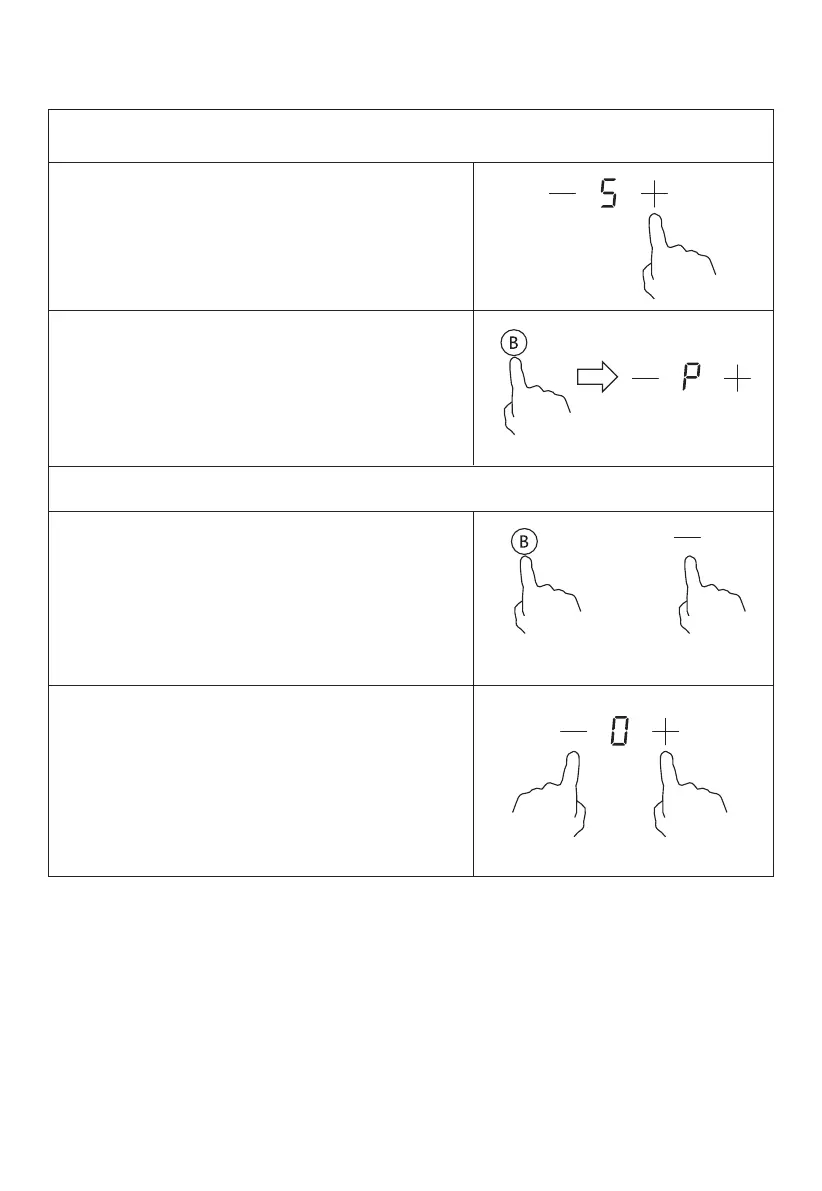
Select the heating zone by touching
the “-” or “+” control.
Touching the boost control, the zone
Touching the "Boost" control or the “-”
the cooking zone will revert to its original
setting.
Touching “-” and “+” control together.
The cooking zone switch o and the
boost function cancel automatically.
Using the Boost function
Activate the boost function
Cancel the Boost function
OR
• The function can work in any cooking zone.
• The cooking zone returns to its original setting after 5 minutes.
• If the original heat setting equals 0, it will return to 9 after 5 minutes.
button to cancel the Boost function, then
reaches Max.
indicator shows “P” and the power



 To Next Page