19
GB
Set one zone
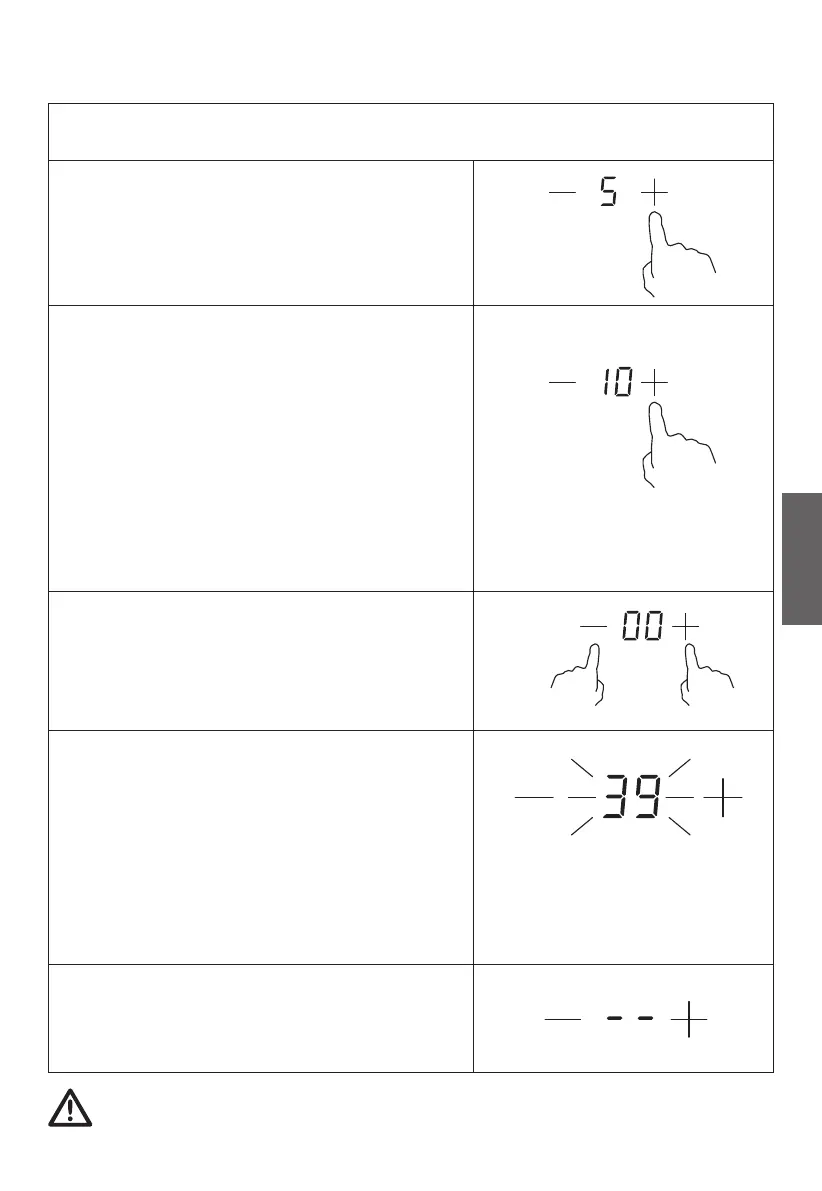
b) Setting the timer to turn one or more cooking zone o.
Touch the “-” or “+” of the corresponding
cooking zone you want to set the timer
for.
of the timer
control of the timer once will decrease or
increase by 1 minute.
minutes.
Touching the “-” and “+” together, the
When the time is set, it will begin to
count down immediately. The display will
show the remaining time and the timer
NOTE: The red dot next to power level
indicator will illuminate indicating that
zone is selected.
When cooking timer expires, the
corresponding cooking zone will be
switched o automatically.
Other cooking zone will keep operating if they are turned on
previously.
Set the time by touching the control
Hint: In short time, touching the “-” or “+”
timer is cancelled, and the “00” will
show in the minute display.
Touching and holding the “-” or “+”
control of the timer will decrease or
increase by 10
indicator flashes for 5 seconds.



 To Next Page