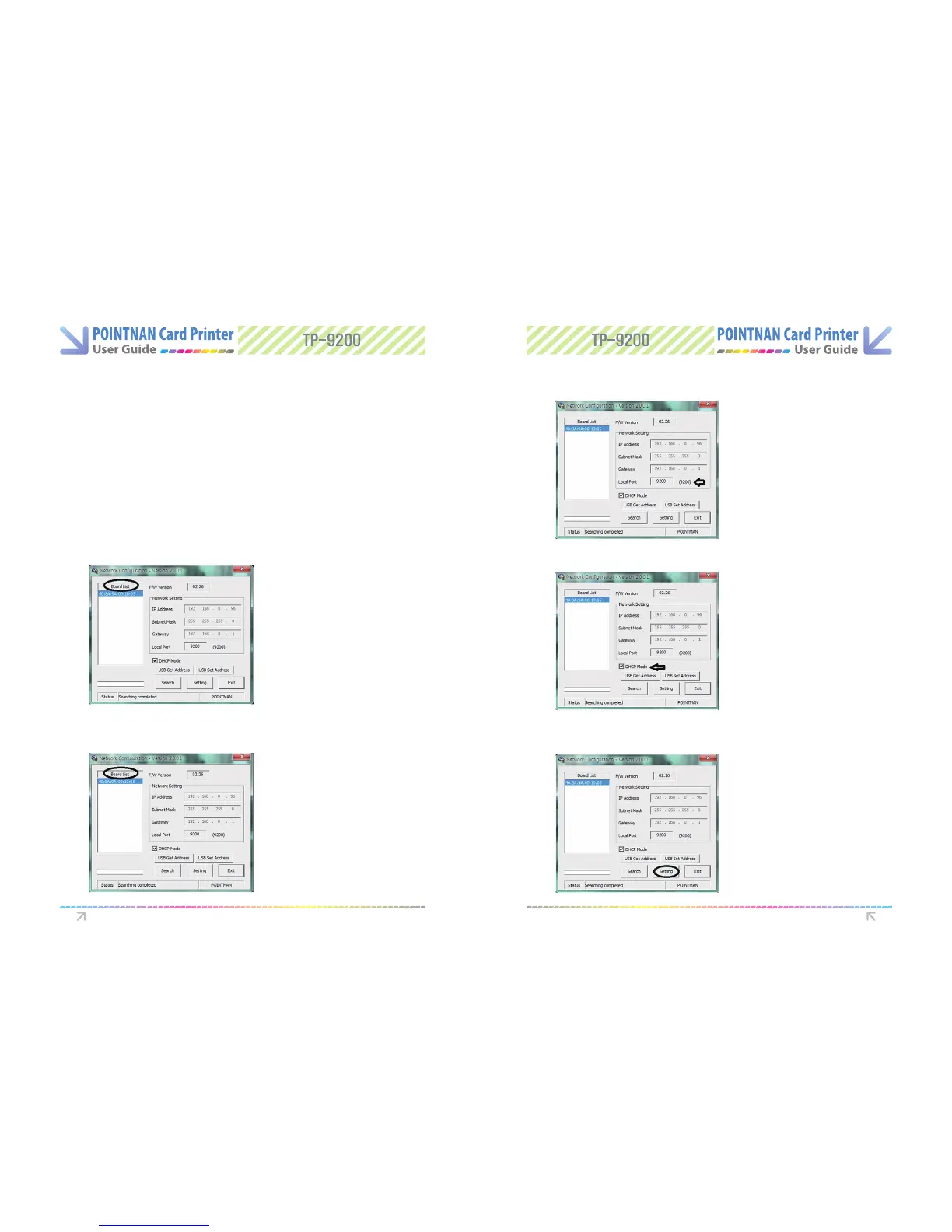
Set Local Port for 9200 (This cannot be changed)
4
“Select DHCP”. (Please check DHCP box is checked)
5
Printer Driver Settings Printer Driver Settings
IP Address, Subnet Mask and Gateway are automatically assigned from DHCP server.
However, you may input Subnet Mask and Gateway if you need to change them.
3
Select MAC address on “Board List”.
2
DHCP Mode :
Search Button :
Setting Button :
Exit Button :
If the network system supports DHCP, IP is
automatically set. If not, you should directly change address after
being assigned. And then you set it in order to use network printer.
Search network of a card printer
Save the changed network information.
After changed, the card printer will be reset.
You can use after 10 seconds.
Exit the program
“Click Setting” button, It takes approximately 30 seconds for this setting. If it is done
setting, please reboot the printer in order to get a new IP address from the server.
6



 To Next Page