2.1 PC Systems requirement
The following operation systems are supported:
- Windows 2000
- Windows XP (32/64bit)
- Windows Vista (32/64bit)
- Windows 7 (32/64bit)
- Windows 8 (32/64bit)
Computer:
- CPU : Pentium Ill 1Ghz above (Pentium IV 1.5Ghz recommended)
- Memory : 128MB above (512 MB recommended)
- HDD : 1 GB above (5GB recommended)
- Internet Explorer 5.5 above (6.0 recommended)
2.2 Installing Driver
2
Driver Software install
Close all windows in operation (Recommended)
To install/remove the driver/software on Windows 2000/XP/Vista/7, 8, you must be logged
in as the administrator.
Putting the POINTMAN Driver/Software CD into the CD-ROM Drive of the computer,
the installation window will “Open automatically or click Install .exe”.
1
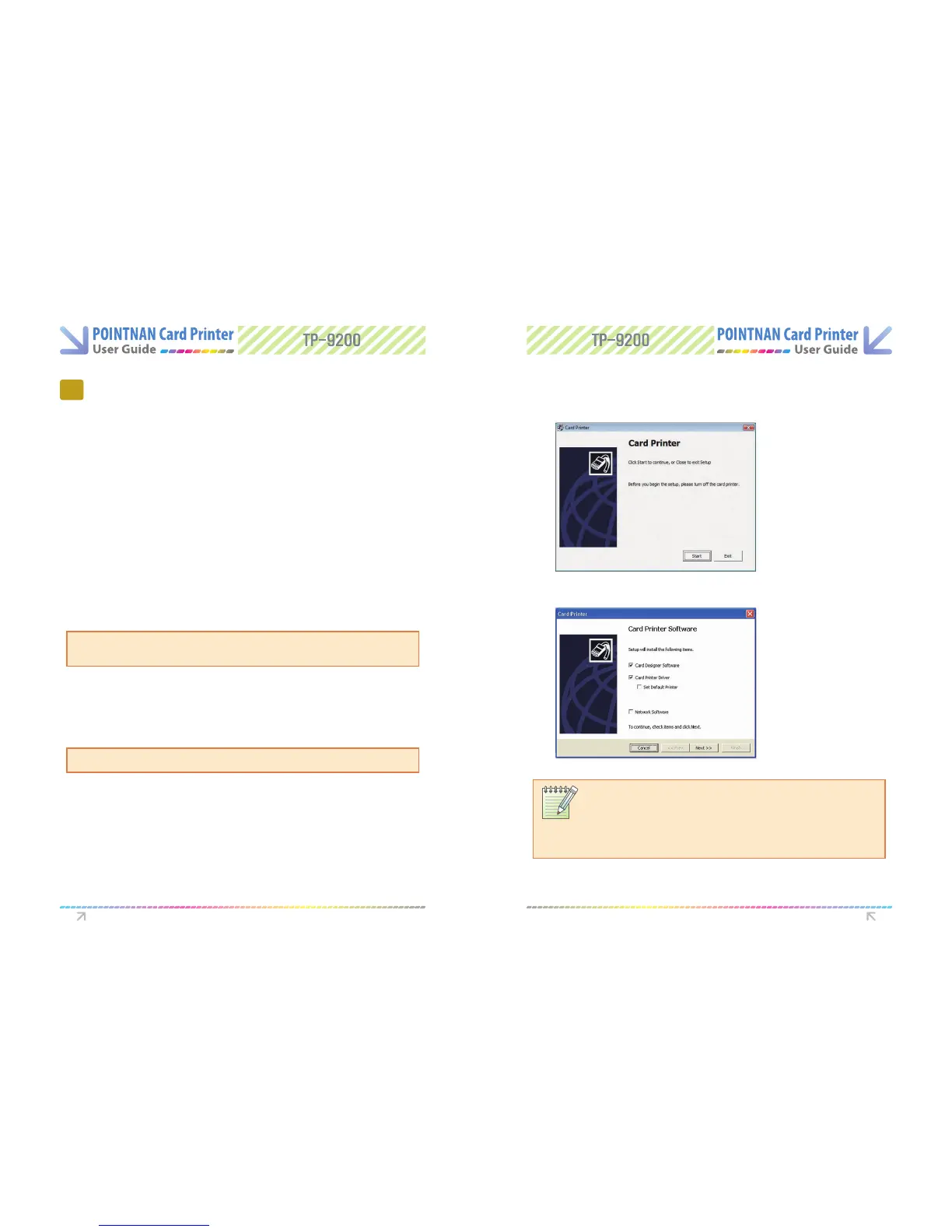
The initial window of Card Printer installation program like the following will
automatically open.
“Click Start” to begin installation process.
2
Select the software you wish to install. “Click Next”.
3
Driver Software install Driver Software install
NOTE:
When installing the printer onto a network, connect Ethernet cable to printers
Ethernet port. Select “Network Software & Card Printer Driver”
Printer Driver before clicking “Next”. Switch Printer on (Ethernet install only) and
when ready press Set ribbon prior to printing



 To Next Page