6.6 Data Synchronizing
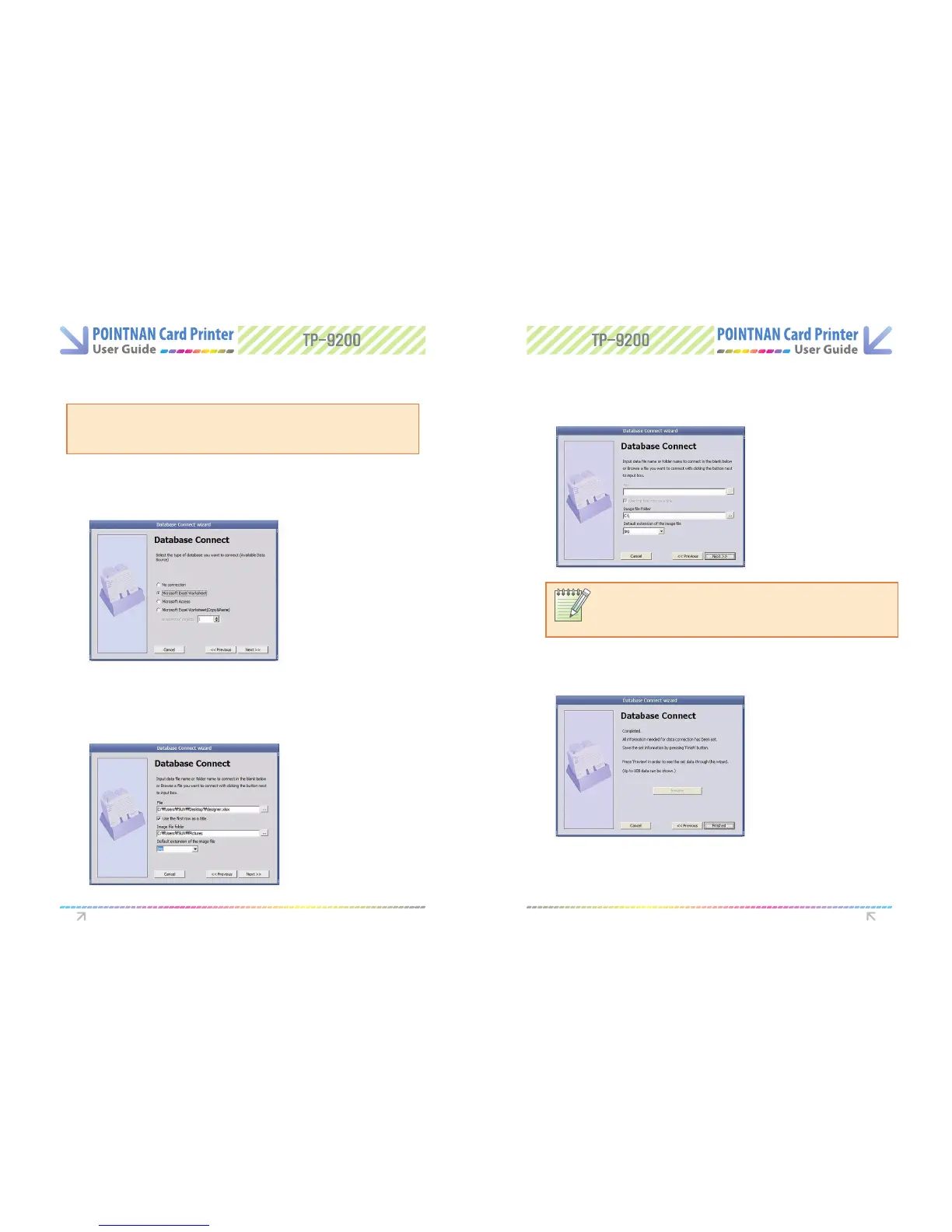
Data Connect Wizard
Data Synchronizing will help user to synchronize data created in Microsoft Excel or
Microsoft Access with what will be used in card issuing software for card creation.
User can make card eectively in shorter time.
NOTE:
When you set the image le folder for database connection, all image les in
the folder should have the same format. The le in dierent format would not
be printed.
Card Designer “Tool -> Data Connect -> Data Connect wizard”
1
Select target database to synchronize.
(Select E xcel Worksheet if target DB is in E xcel Copy & Paste method.)
If you select “Microsoft Excel worksheet (Copy & Paste)”, you should input the
numbers of column you will use.
2
Please select the Database le or/and Image le folder being used for database con-
nection. The searching window will be executed withclicking “…” button.
3
Choose Sheet to be used in database.
4
Completing Synchronizing
Software Operations Software Operations



 To Next Page