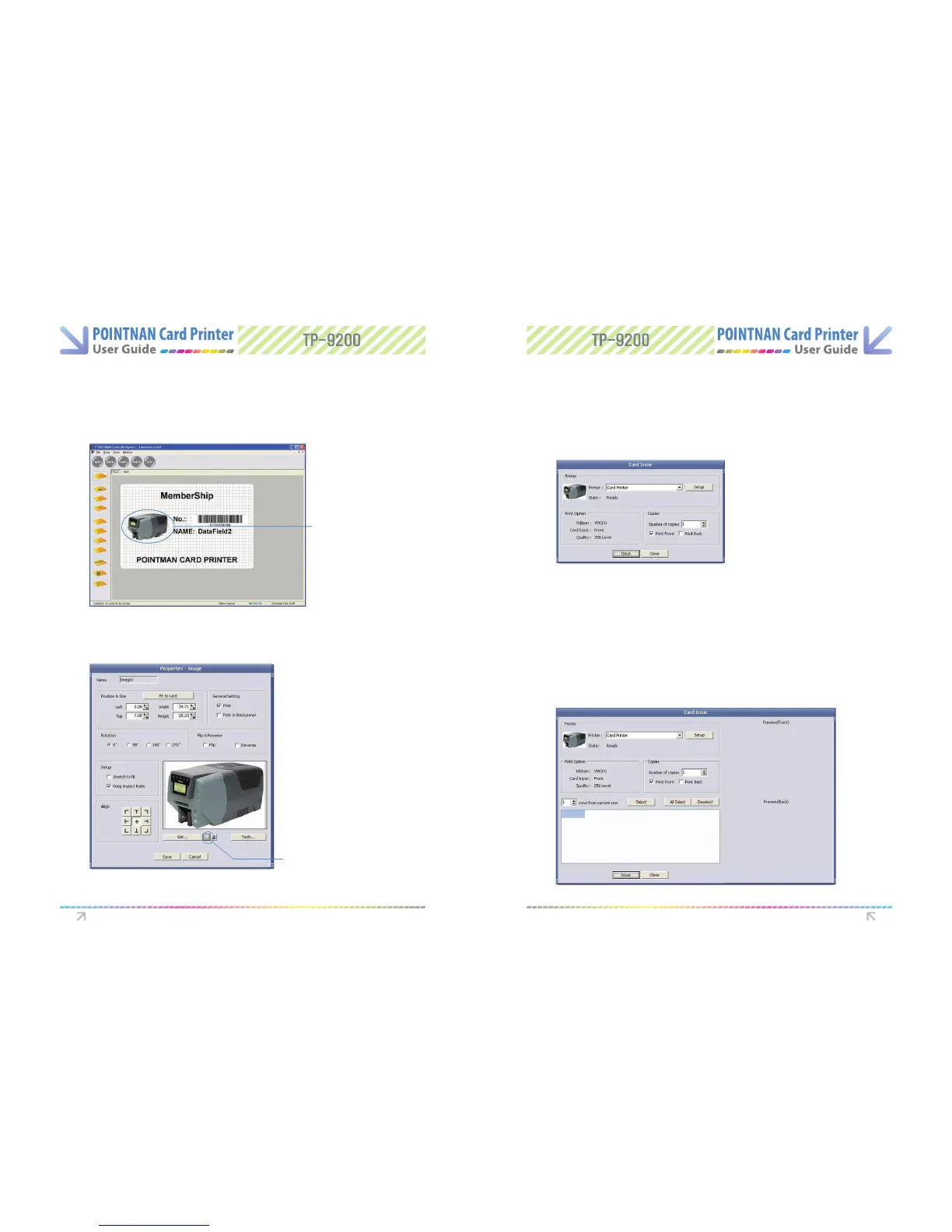
Synchronizing data on the card with database
(ex.sta picture)
Double click Picture on database to synchronize.
1
“Click Data Field Connection” button(...). “Select Data Field” for data input.
“Select Sta Picture” for data eld. “Click +”to add data for sta number.
“Click Finish”. And “Click Save”.
2
Artcle for DataField 3 :
Double Click
Data Filed Connection Button
6.7 Card Printing
Card/Issue (Normal)
Card/Issue(Data Field Connection)
Make a print with “Issue” button after nishing the setup of ribbon and other details
3
If you “Click Issue” on Card Designer, window below will open.
1
If you “Click Issue” on Card Designer, window below will open.
1
Select the type of printer (Driver or Direct).
2
Software Operations Software Operations



 To Next Page