5.5 Printing via a PC Connection 5.6 Printing One Card at a Time
Connect the USB to the PC and power on the printer. Ensure ribbon and cards are in-
stalled
1
Go to the “Driver and Printing preferences -> Control tab -> Direct printer control
-> Click Self-printing”
2
Printer will display Self Printing. The printed test card will print and eject
3
NOTE:
The card feeder must be empty for printing single card using
TP-9200 printer.
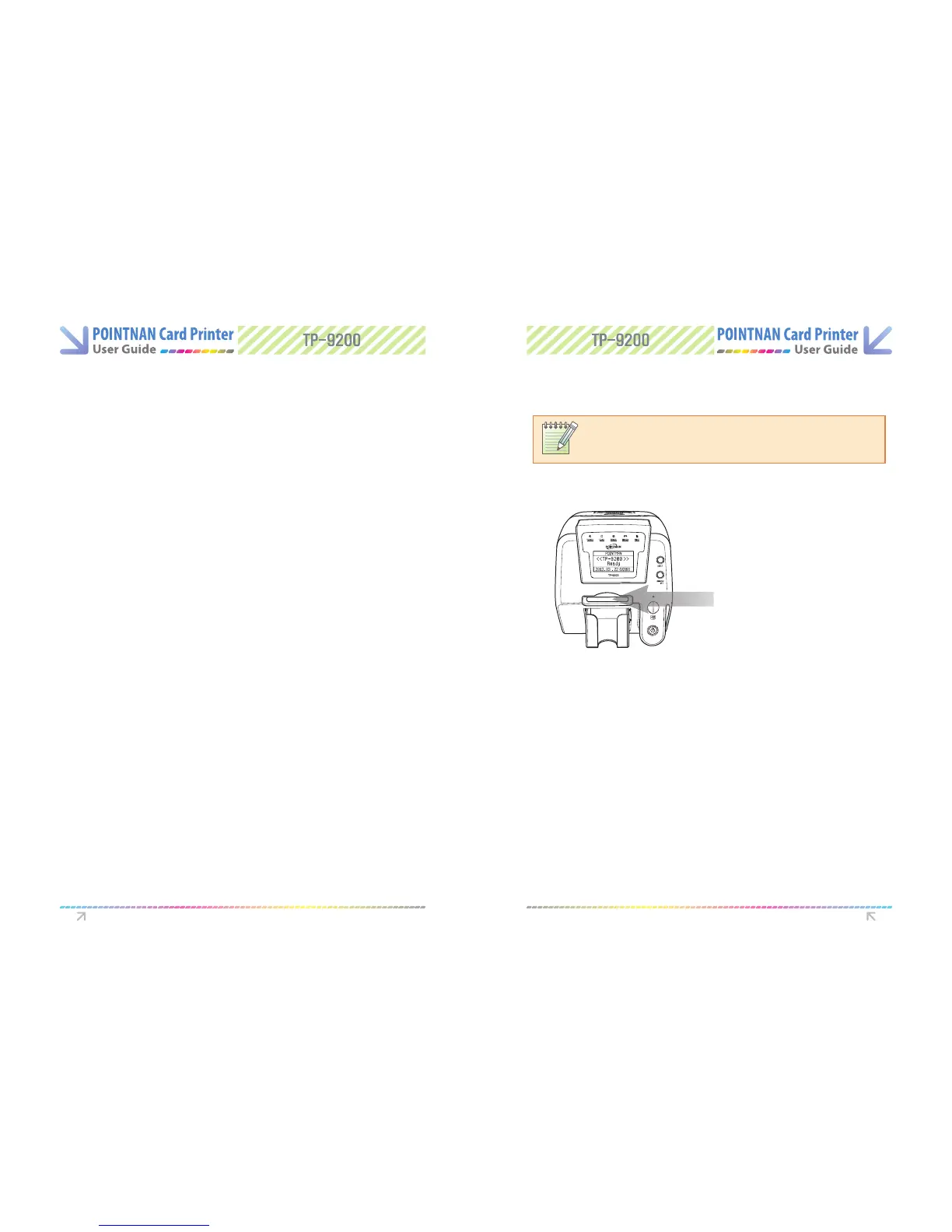
Insert a card into the single card entry slot
1
Go to your ID card software package and print a card
2
Wait untill the printer has printed the card
3
Single Card Feeding Slot
Printer Operation Printer Operation



 To Next Page