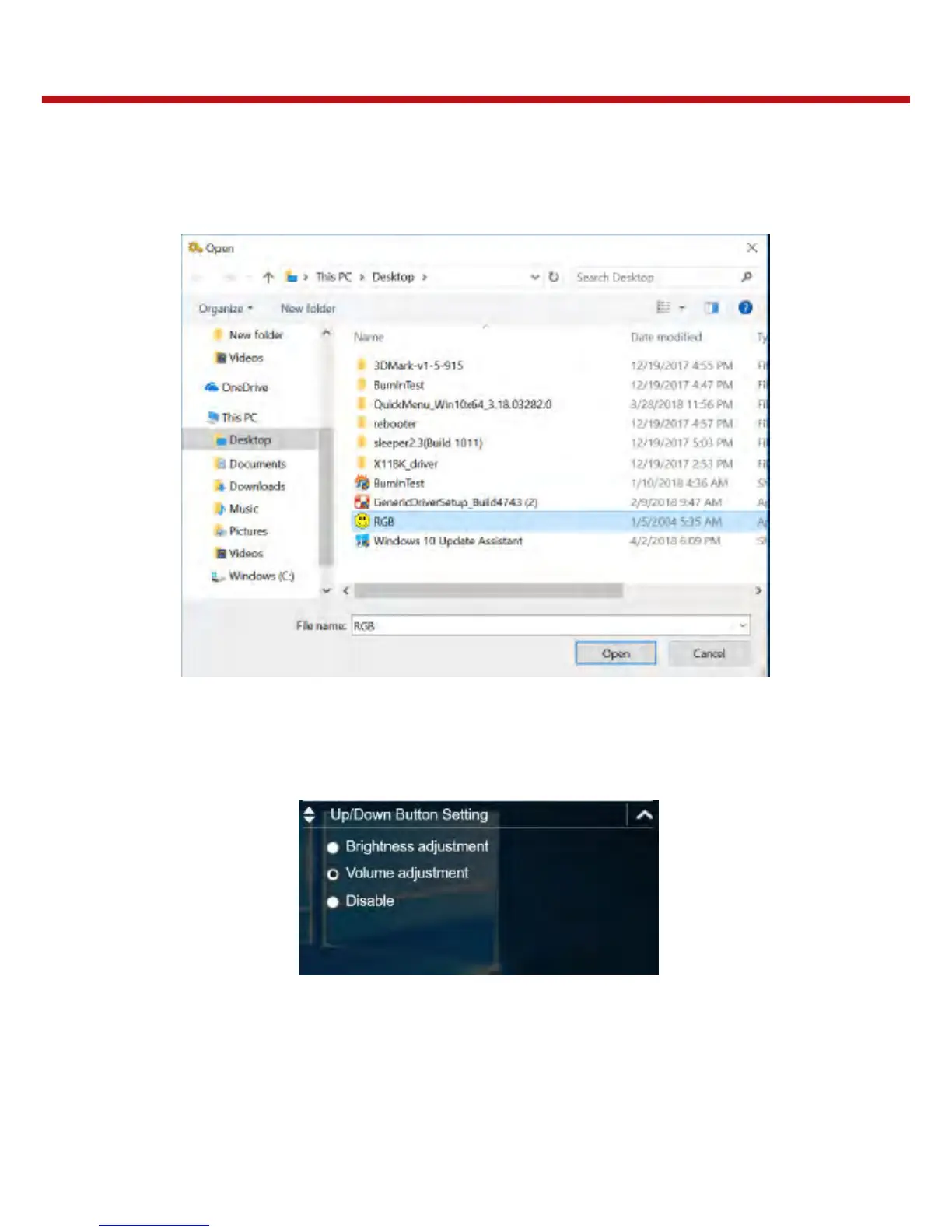
Assigning an Application the P2 Button
Tap the P-Key tab to assign an application to the P2 button. Select the desired applica-
tion and click Open.
Configuring the Up/Down Keys (UP / Down)
On the Up/Down Button Setting section, you can assign the function for the Up and
Down buttons.
There are three available options:
- Brightness adjustment: Adjust the LCD panel brightness level.
- Volume adjustment: Adjust the volume level.
- Off: No function.



 To Next Page