ENGLISH
19
Chapter 2 Installing the LCD TV
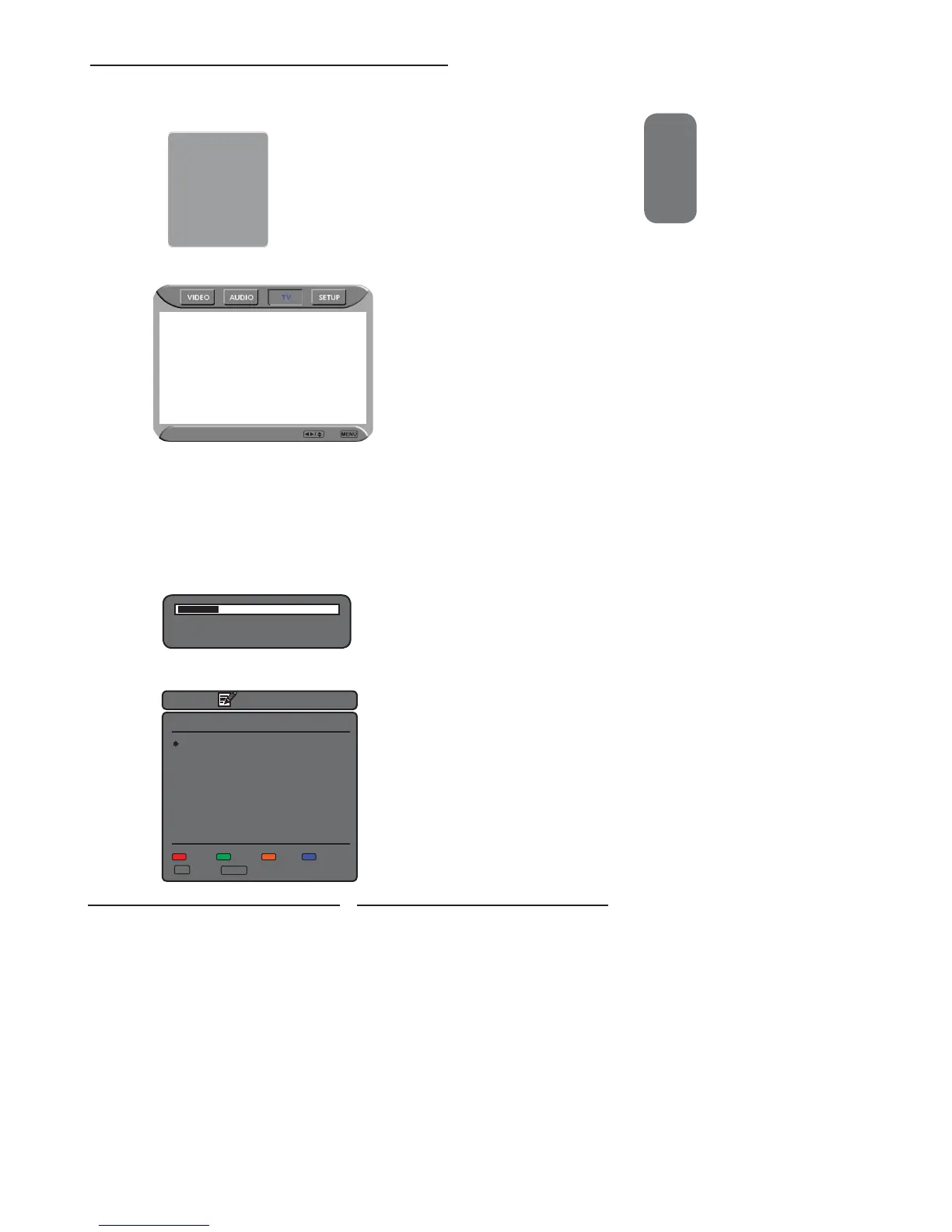
Press the MENU button on the remote control to display the Main menu, and use the
◄► buttons to select the TV.
Region Selection UK
Searching
Manual Scan
Update Search
Program Edit
Favorite
Press the ▼ button to select Region Selection and select your country by the ◄►
buttons.
Press the ▼ button to select Channel Searching, and press the OK button. The
Channel Searching automatically creates a list of receivable channels. Press the
MENU button at any time to interrupt the memorization process.(the list cannot be
created if interrupted)
66.22MHz 2/100
PR Found: 1
Searching
When the Channel Searching fi nished,the Program Edit menu will appear (see page 41) :
Program Edit
PR Freq System Name Skip
1 49.75 I - - - On
2 - - - - - - - - - On
3 - - - - - - - - - On
4 - - - - - - - - - On
5 - - - - - - - - - On
6 - - - - - - - - - On
7 - - - - - - - - - On
8 - - - - - - - - - On
9 - - - - - - - - - On
10 - - - - - - - - - On
Swap Insert Copy Delete
▲▼ Select ENTER Edit
Press the SOURCE button on the remote to display the Source List. Use the ▲▼ buttons
to select TV, and press the OK button.
Main:
TV(CABLE/AIR) D
VIDEO1 (SIDE)
VIDEO2 (REAR)
VIDEO3 (SCART1)
VIDEO4 (SCART2)
VIDEO5 (YPbPr)
VIDEO6 (HDMI1)
VIDEO7 (HDMI2)
COMPUTER (VGA)


 To Next Page
 Loading...










