Make sure a Micro SD card Class 4 or higher has been properly inserted into your camera.
Micro SD Memory card not included.
To properly insert the Memory Card:
1) Turn off the camera.
2) Open the battery/memory card compartment door.
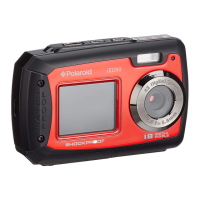
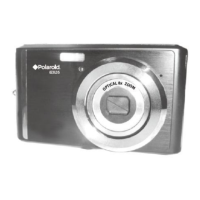
3) Insert the Micro SD Card into the slot in the direction shown on the camera (see SD icon by
the Micro SD card slot). Refer to images: 1 and 2.
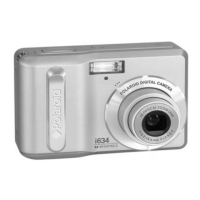
4) Push the Micro SD Card until you hear a slight clicking sound. This indicates the memory
card has been inserted correctly. Refer to images: 3 and 4.
NOTE:
There is only one right direction to insert the Micro SD memory card into the slot. Do not force
the card into the memory card slot, since it may damage both the camera and the Micro SD
memory card.
After the camera is powered on, a memory card icon will appear on the LCD display. If you do
not see the SD icon on the display, please check if the card was inserted properly.


 To Next Page
 Loading...