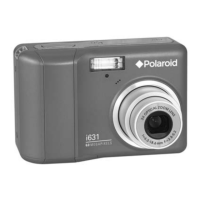
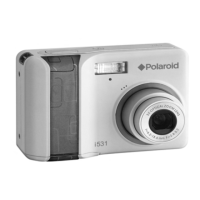
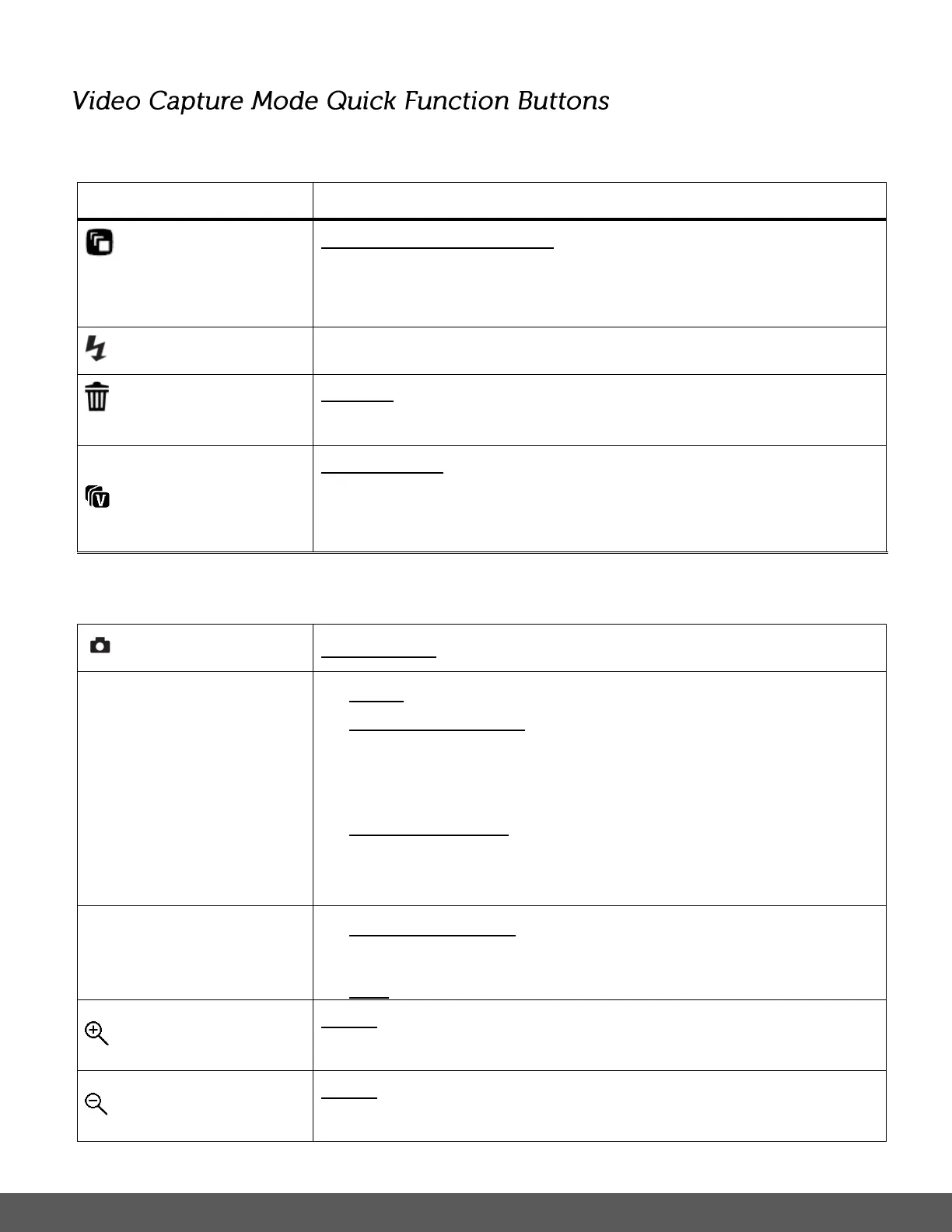
Your digital camera has a four-directional pad that functions as Quick Function buttons.
RESOLUTION SELECTION – Toggles through the video image
size options. The following options appear on the LCD:
1080P (30fps), 720P (30fps), 640 (30fps)
DELETE – Opens the ‘Delete This File’ option and allows you to
view and delete the last video taken.
INSTA SHARE – Opens the INSTA Share for Videos menu.
The options include: None (Default), Photobucket, Flickr,
YouTube
START/STOP – Starts and stops the video capture.
MENU - Opens the menu options for Video Capture Mode.
OPENS SUBMENUS – Opens the submenu of the selected
menu option. Note: The RIGHT button also opens the submenu
options.
SAVE SELECTION - Saves your selected menu option.
To navigate through the Menus, use the
UP/DOWN/LEFT/RIGHT direction control buttons.
MODE SELECTION - Toggles between the Photo Capture
Mode, Video Capture Mode and Playback Mode.
Note: Set the Zoom in feature before recording your video.
Note: Set the Zoom out feature before recording your video.



 To Next Page
 Loading...