1) Selecting Your Photo:
Once in Playback Mode, press the LEFT or RIGHT button to scroll through the images on
your camera’s memory card until you find the image you would like to view.
- Press the LEFT button to display the previous image.
- Press the RIGHT button to display the next image.
Each captured image (photo and video) is displayed on the LCD screen.
Note: Videos are displayed with a video icon and Photos do not appear with an icon.
2) Zooming In/Out of Your Selected Photo:
Press the T / Zoom In button to Zoom In and magnify the selected photo.
Use the UP / DOWN / LEFT / RIGHT buttons to navigate around the photo.
Press the W/Zoom Out button to Zoom Out of the selected photo.
Use the UP / DOWN / LEFT / RIGHT buttons to navigate around the photo.
Note: The zoom magnification (up to X4) is shown while zooming in/out.
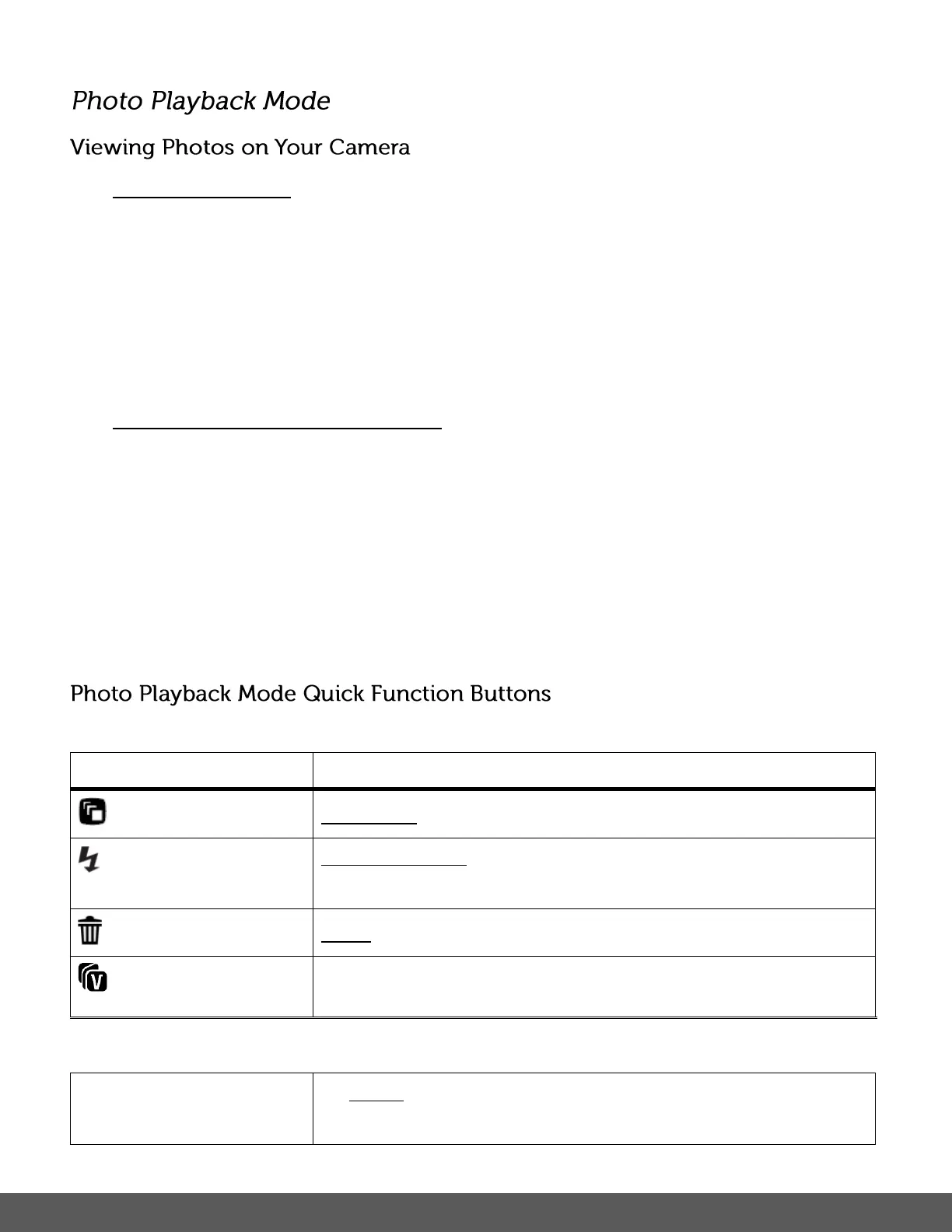
Your digital camera has a four-directional pad that functions as Quick Function buttons.
PREVIOUS - Displays the PREVIOUS image.
DETAIL DISPLAY – Toggles between the image display with the
file details and image display without details.
NEXT - Displays the NEXT image.
MENU - Opens the menu options for Photo Playback Mode.
To navigate through the Menus, use the



 To Next Page
 Loading...