READING INSTRUMENT HISTORY
Software enables two ways to read history:
1. Automatic reading history of the assigned instrument into the user card when the
instrument is detached from the user or the data are processed. Read history is saved into
software database (see Data Processing. Instrument Detachment chapter).
2. Forced history reading by user command:
o Free instrument (assigned to no user);
o Assigned instrument.
Read history is not saved into the software database (user can view and print this history (see
Working With History chapter)).
Forced reading of instrument history
Requirement for forced history reading:
Instrument is connected to PC.
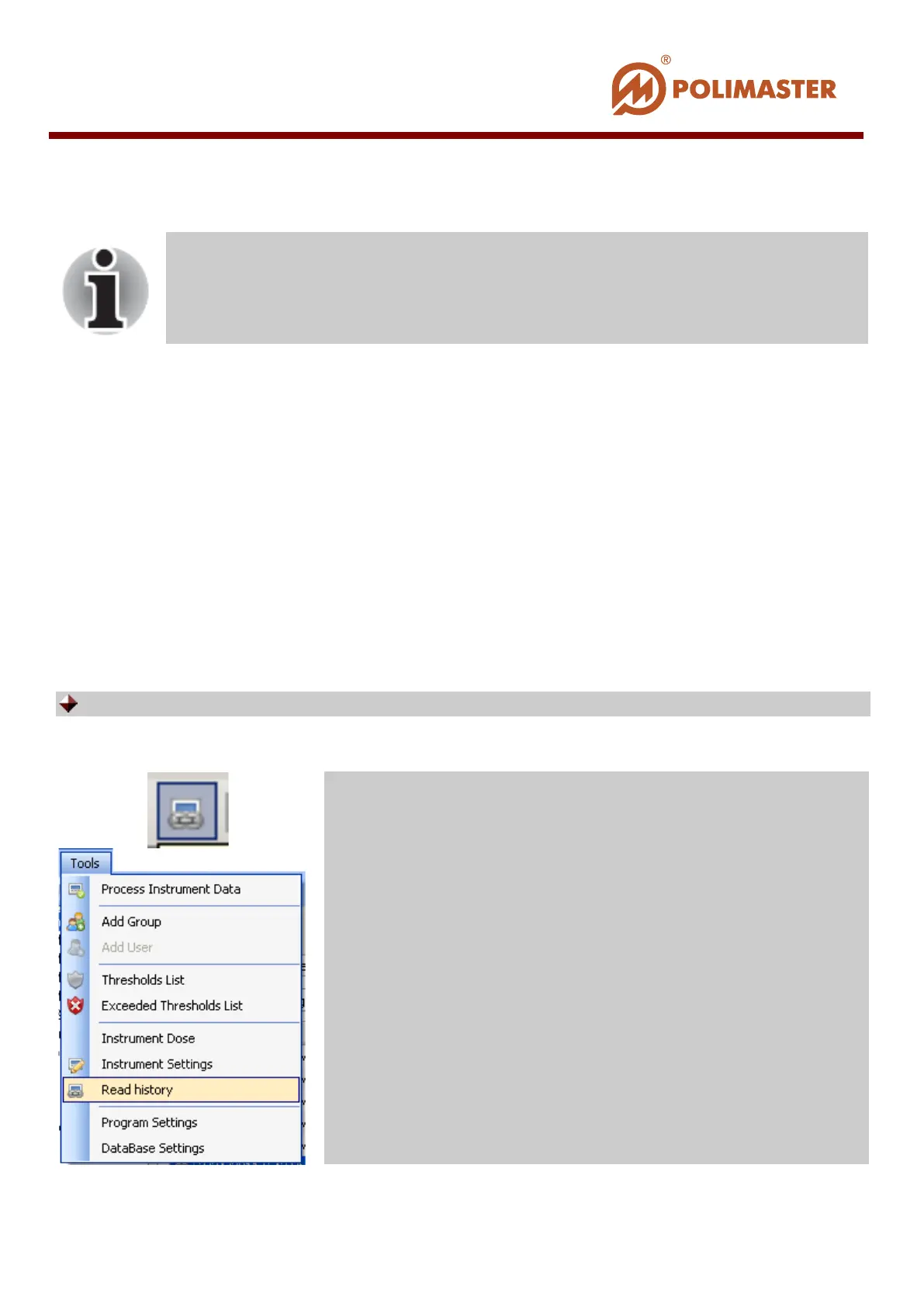
Use on of the following ways* to read instrument history:
Only system MAIN ADMINISTRATOR or OPERATOR can read
instrument history.
Press this toolbar button;
Select Tools menu and click Read History command.
____________________________________________________________________________________
© 2016 Software Guide www.polimaster.com
124



 To Next Page