EDIT/DELETE USER GROUP
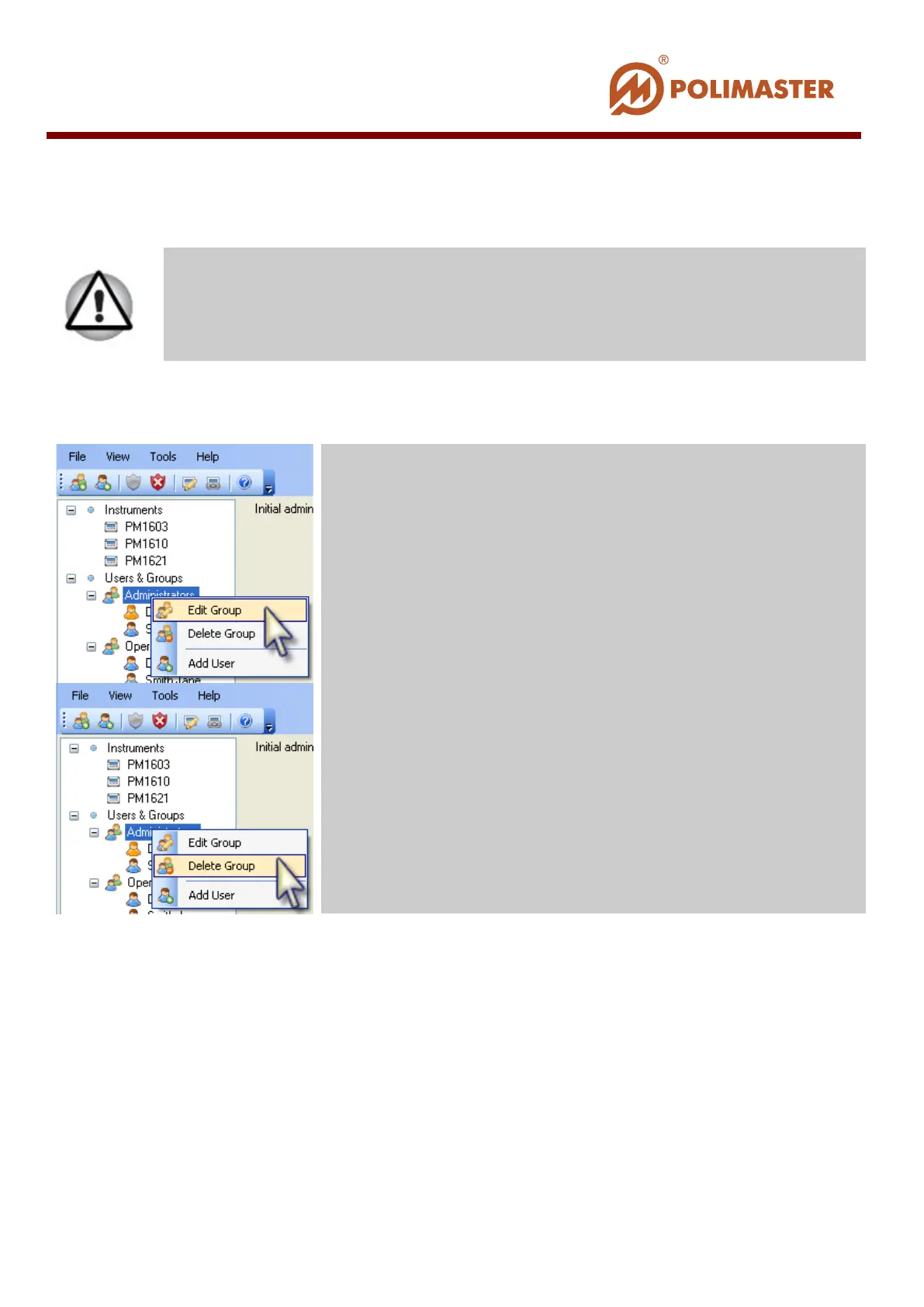
Use one of the following ways* to edit/delete users group:
Only MAIN ADMINISTRATOR can edit
information on the users group
or delete the group from the system.
-
click on the selected group name line in the system
components field. Select Edit Group
context menu.
Group card select Edit/Delete Group command.
____________________________________________________________________________________
© 2016 Software Guide www.polimaster.com
79



 To Next Page