ADD USERS GROUP
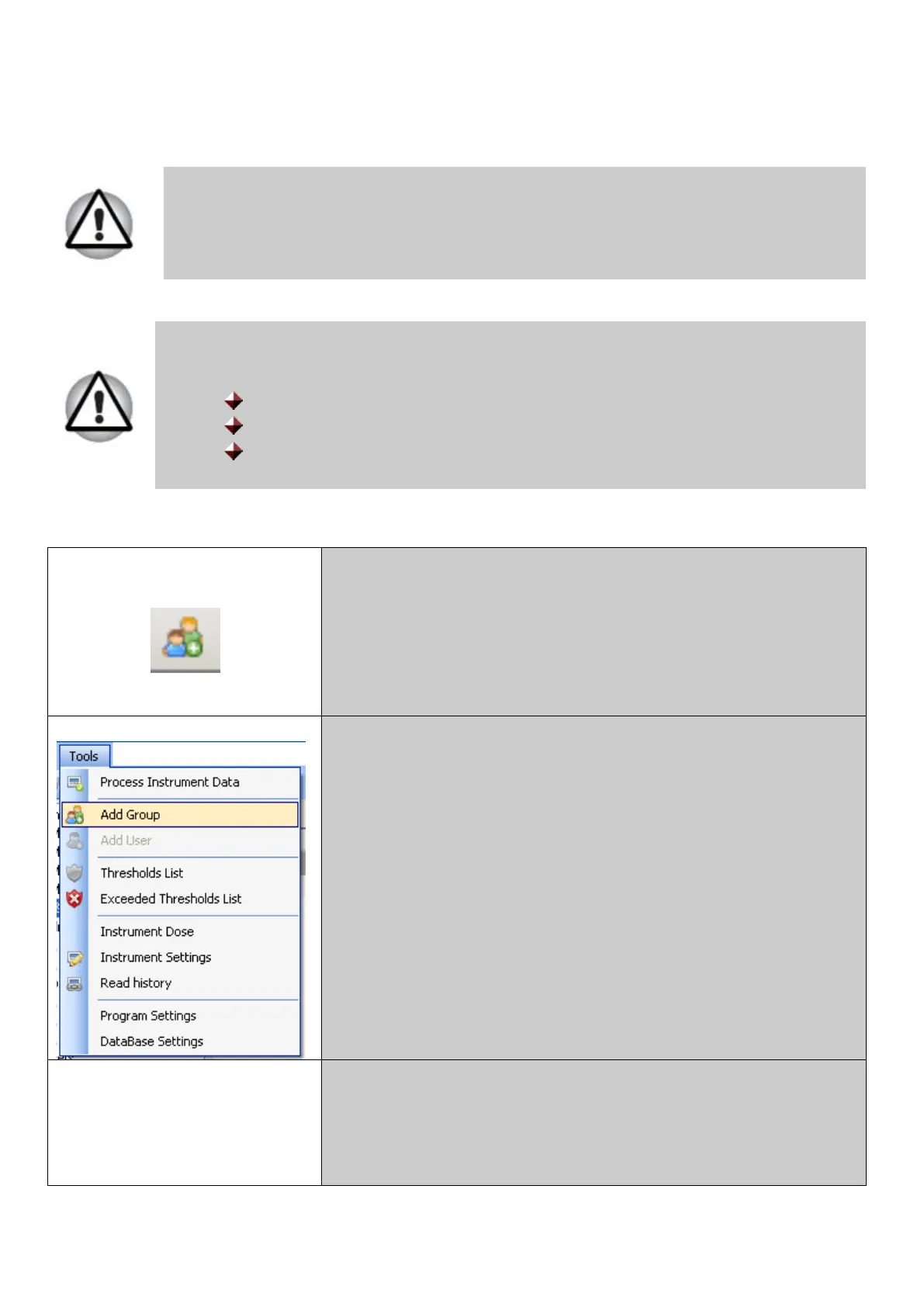
Use one of the following ways* to add new users group to the system:
Only MAIN ADMINISTRATOR can add/edit USERS GROUPS and set
their access rights.
Attention!
After initial program load there will be three default users groups:
Administrators;
Operators;
Users.
User can add his/her own and edit existing users groups in the system.
Press this toolbar button;
Select the Tools menu and click Add Group command;
*Right-click on the Users & Groups line in the system
components field. Select Add Group
context menu;
*Select Add Group command in the Users & Groups card.
____________________________________________________________________________________75
© 2014 Software Guide www.polimaster.com



 To Next Page