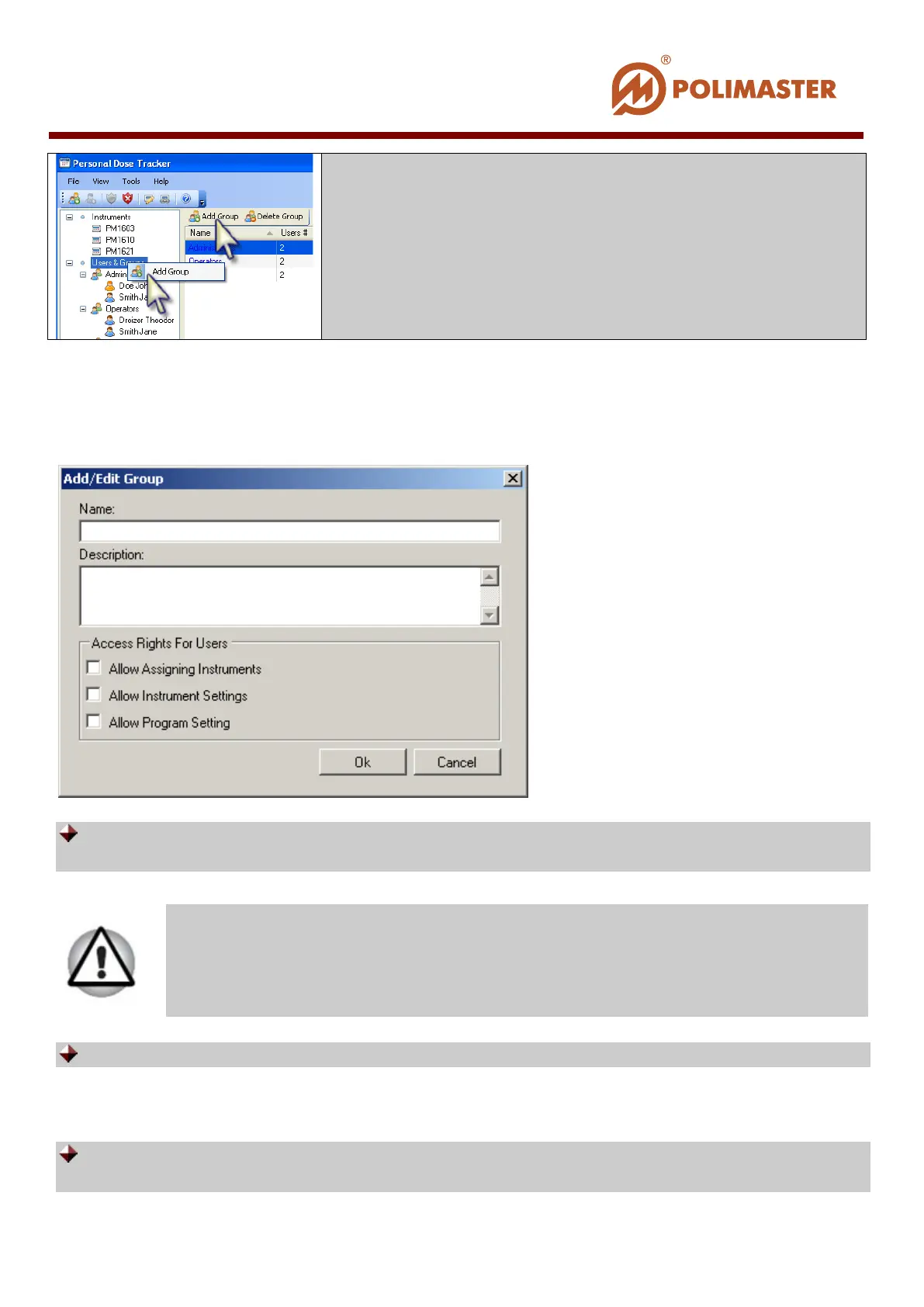
Add/Edit Group dialogue window opens. MAIN ADMINISTRATOR can enter (or edit)
here information on the user group, as well as set (or edit) access level for all the group
members (users).
Name – users group name. Group name will be displayed in the main program window
system components field.
Description – additional descriptive information on the users group being added.
ACCESS RIGHTS OF THE GROUP MEMBERS (USERS)
Allow Assigning Instruments – flag this check box to allow group members to
assign/detach instruments to/from the selected user.
Software checks uniqueness of the group name in the system.
____________________________________________________________________________________
© 2016 Software Guide www.polimaster.com
76



 To Next Page