PM1610 DRIVER INSTALLATION
After «Personal Dose Tracker (MySQL)» installation and before the initial software start
install the driver corresponding to the used instrument type.
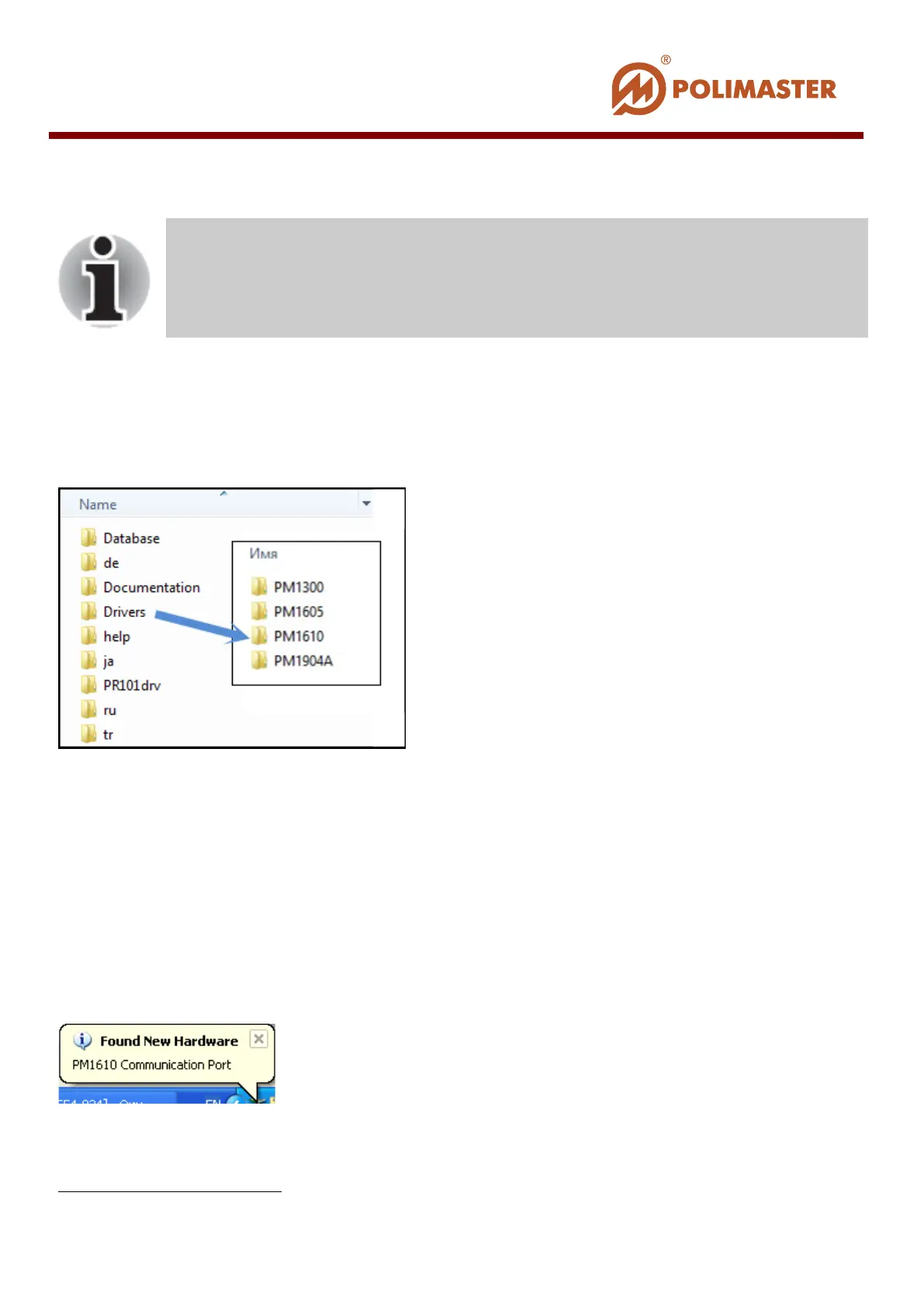
To do this in the system disk folder C
1
:\Program Files\Polimaster\Personal Dose Tracker
(MySQL)\Drivers select the folder containing the necessary drivers.
DRIVERS FOR RM1605 AND PM1610
Drivers for these instruments are installed similarly.
For Microsoft Windows XP.
At initial PC-instrument connection software detects new hardware and informs user by
displaying a corresponding pop-up message in the right bottom corner of Windows system
tray:
Then Found New Hardware Wizard (or Hardware Upgrade Wizard) is activated
automatically.
1
Or any other system drive with “Personal Dose Tracker (MySQL)” software installed
Driver can be installed only after “Personal Dose Tracker (MySQL)”
software installation
____________________________________________________________________________________
© 2016 Software Guide www.polimaster.com
34



 To Next Page