REPORT GENERATION/PRINTOUT
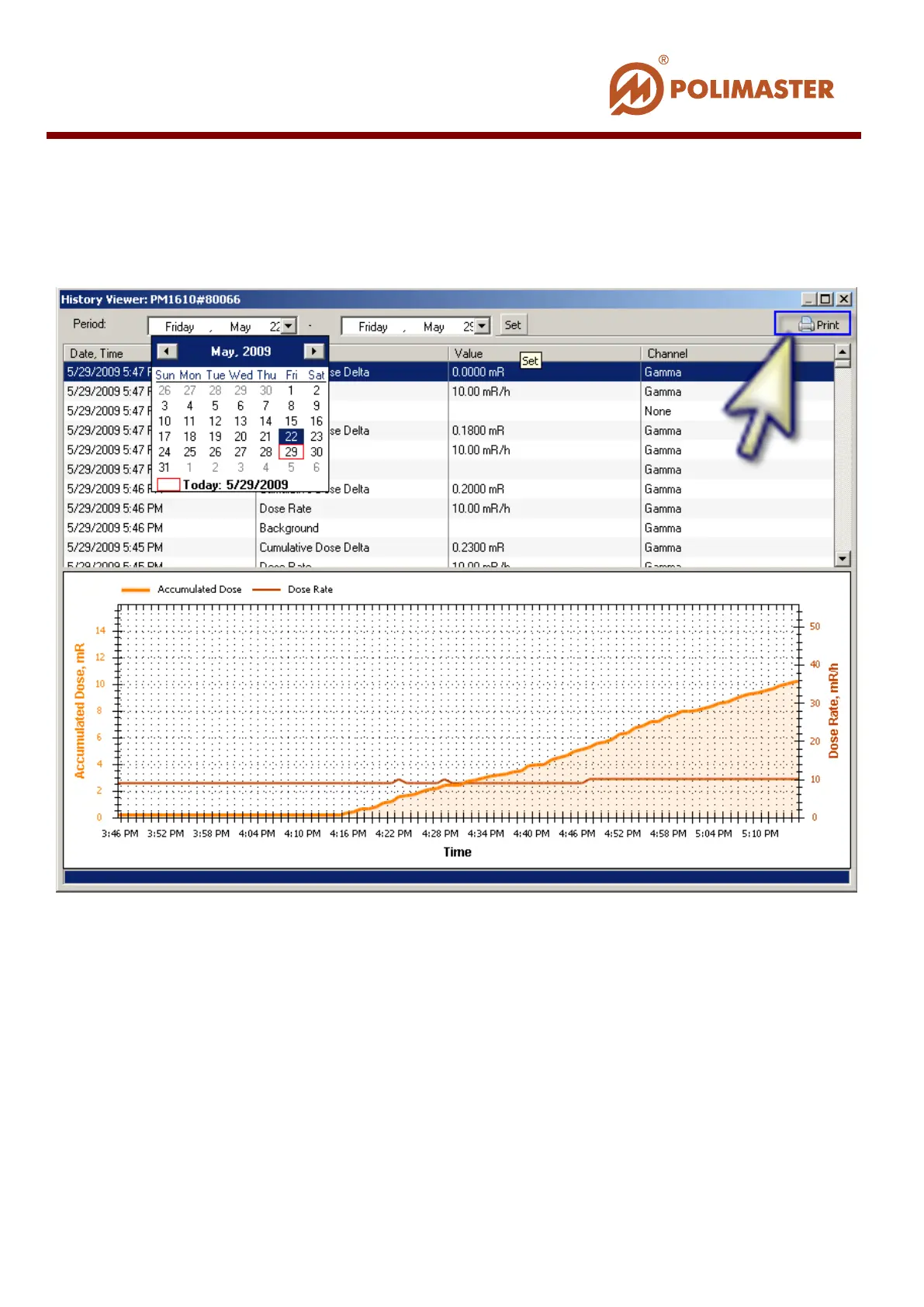
Press Print button in the upper right window corner to generate the report and print it.
Software will generate print report on the basis of read history and display it in the Live
History Report window before printing.
____________________________________________________________________________________
© 2016 Software Guide www.polimaster.com
131



 To Next Page