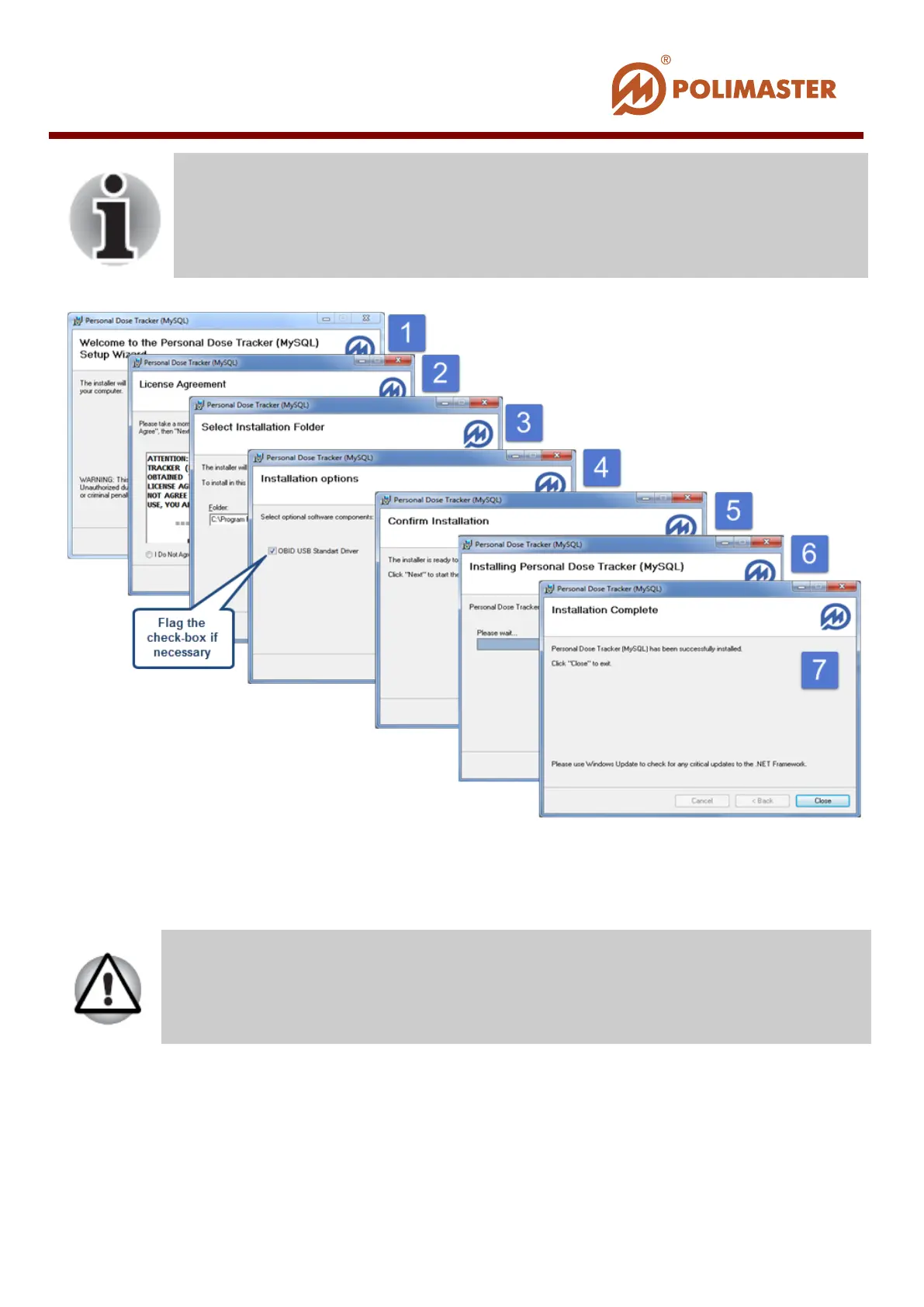
During the installation the user is recommended to fulfill all
requirements of the master program.
By implementing the 4
th
step flag the checkbox when using the PM1610
instrument with RFID function.
When installation is over, start the software. Press Start button and then click Programs >
Polimaster > Personal Dose Tracker > Personal Dose Tracker (MySQL).
A corresponding short-cut desktop icon is created during installation process
If you are working with PM1610, PM1605 or PM1904A instruments,
install drivers prior to the first software start (see
chapter).
____________________________________________________________________________________
© 2016 Software Guide www.polimaster.com
32



 To Next Page