6. OXYGENEO USER APPLICATION
HOME SCREEN
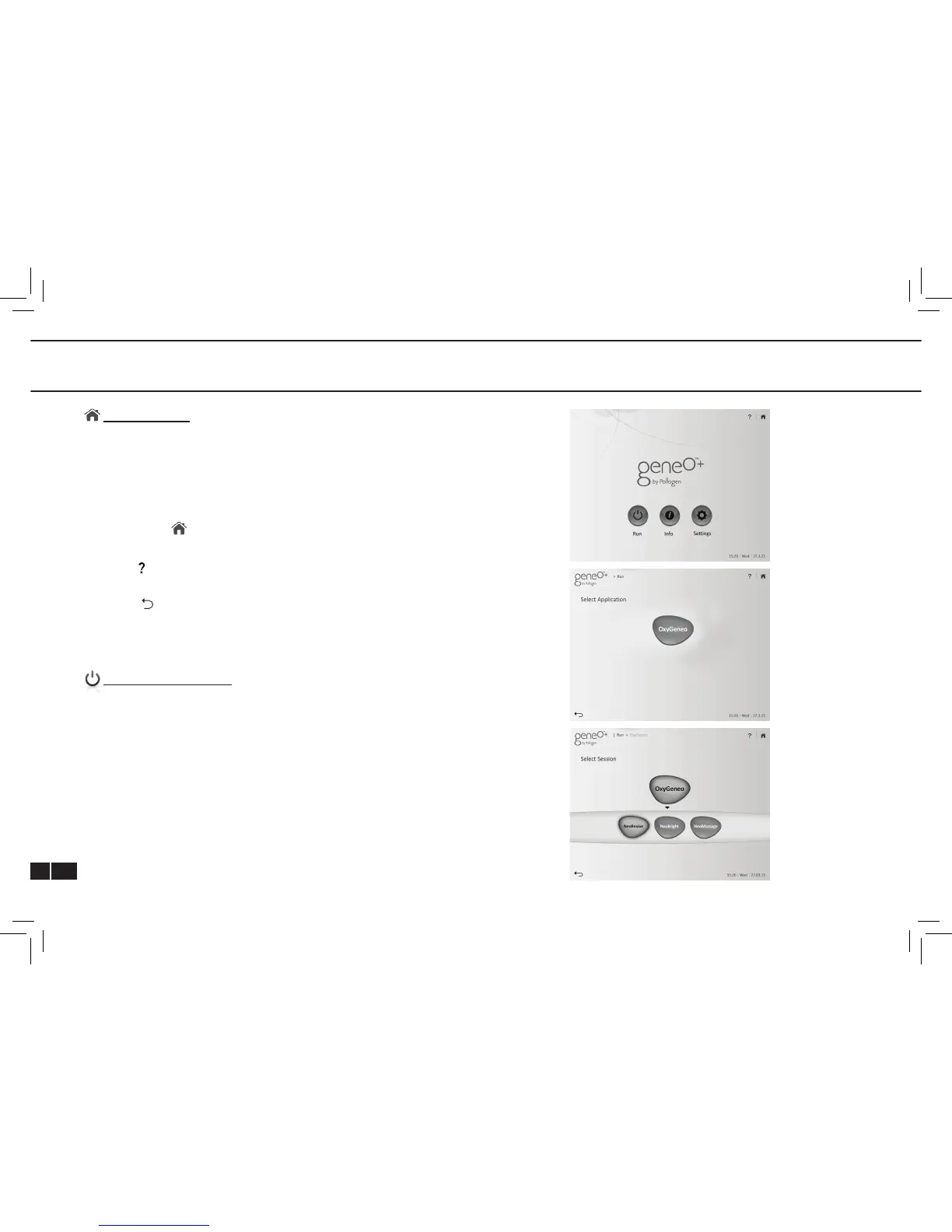
Home Screen includes the following:
• Run – Commence sessions
• Info – Training and marketing resources
• Settings – Adjustable system parameters
The Home Icon - Located at the top right side of most screens.
Returns the operator to “Home Screen”.
Help Icon - Available at the top of selected screens. Use this
icon to get detailed information on how to use these screens.
Back Icon - Located at bottom left side of most screens. Returns
the operator one screen back.
Time, day and date appear on the bottom right hand corner of
each screen.
SELECT APPLICATION
Tap RUN and select the highlighted OxyGeneo key Select Session
and reach the session screen, tap : NeoRevive, NeoBright or
NeoMassage.



 To Next Page