6. OXYGENEO USER APPLICATION 6. OXYGENEO USER APPLICATION
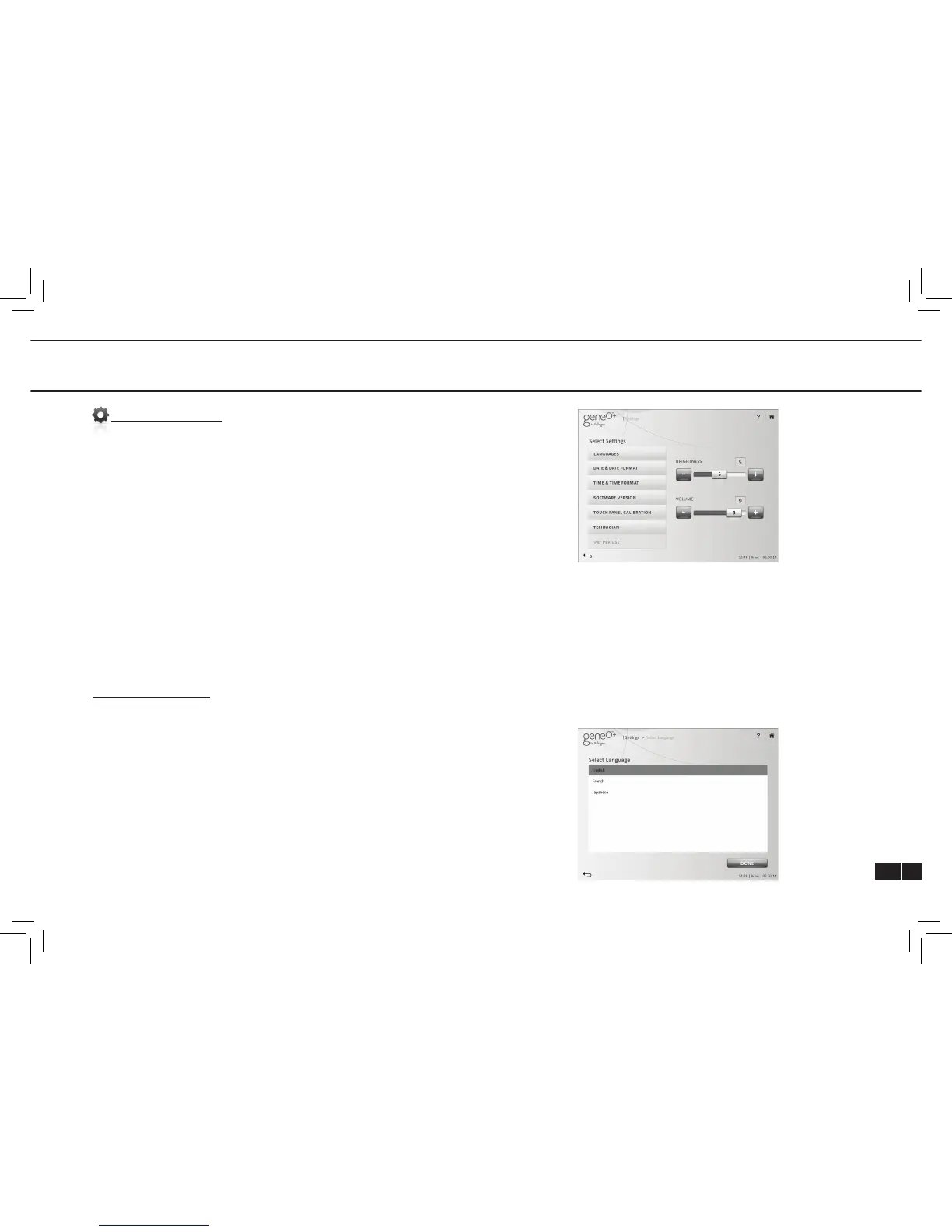
SETTINGS SCREEN
Languages – Select your desired language
Date and date format – Set date and date format
Time and time format – Set time and time format
Software update – Select this option to update the system SW.
Touch panel calibration – Select to calibrate touch panel
Technician – Used for system technical information (authorized
technician only)
Pay per use – Future option (currently disabled)
Brightness - Adjust screen brightness using the “+” and “-“
icons or the slider.
Volume – Adjust beeps and alerts sounds using the “+” and “-“
icons or the slider.
LANGUAGE SCREEN
Select the desired language and press ”DONE”.



 To Next Page