8. TROUBLESHOOTING
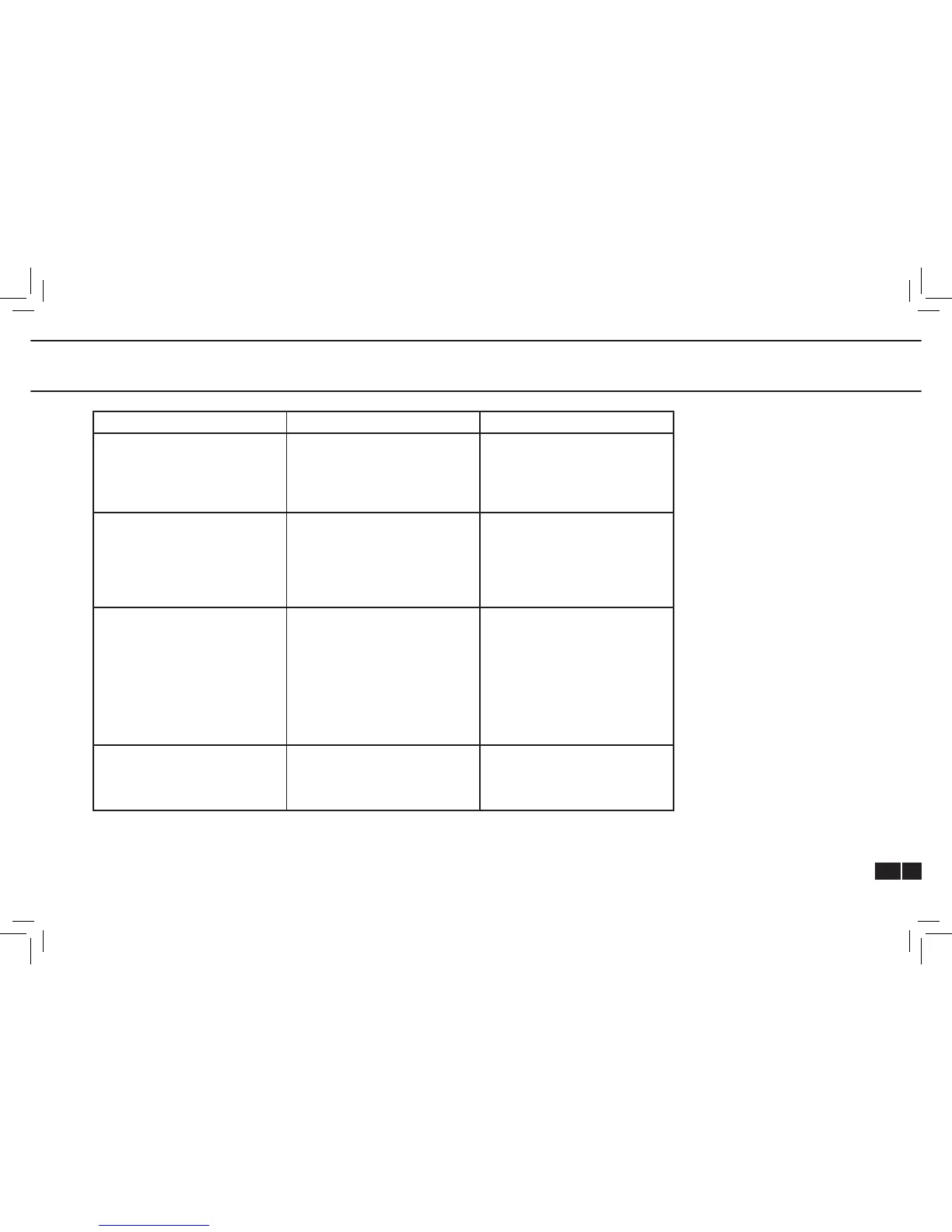
Failure Possible Cause of Failure Action
geneO+ U doesn’t turn on. Verify the power supply is
connected to the device and to
a working wall outlet
Verify the ON/OFF switch on
the device is turned on.
Switch to another wall outlet.
If this still doesn’t work call
service.
Communication error
message.
Verify that the applicator is
connected and locked
Verify that a green led is
illuminated on the applicator.
If applicator is connected and
green led is on but still there is
a communication error, switch
applicator to the alternative
inlet and recheck. If it doesn’t
help call service.
Can’t start session. After pressing RUN verify the
green led on the applicator has
changed from a constant green
to blinking green.
If green led stays constant,
shutdown device, disconnect
applicator and reconnect to
alternative inlet and recheck. If
it doesn’t help call service
If green led blinks, and you
pressed the ON/OFF button on
the applicator and session still
doesn’t start, call service.
Can’t export les to DOK.
For certied service personnel
only.
DOK is not formatted.
DOK is write protected.
Format DOK and try again.
Disable write protect feature
on DOK.



 To Next Page