46
Store radio receiver channels
Under radio mode, input the memories you want to save, press [
] + [
] keys, select channel to store (you can directly enter channel no., you
can press [ ] or [ ] key to select channels), then press [ ] key to
conrm.MAXstorageis25channels.Storeoperationsisthesameasradio
channel.
Delete CH or radio receiver channel
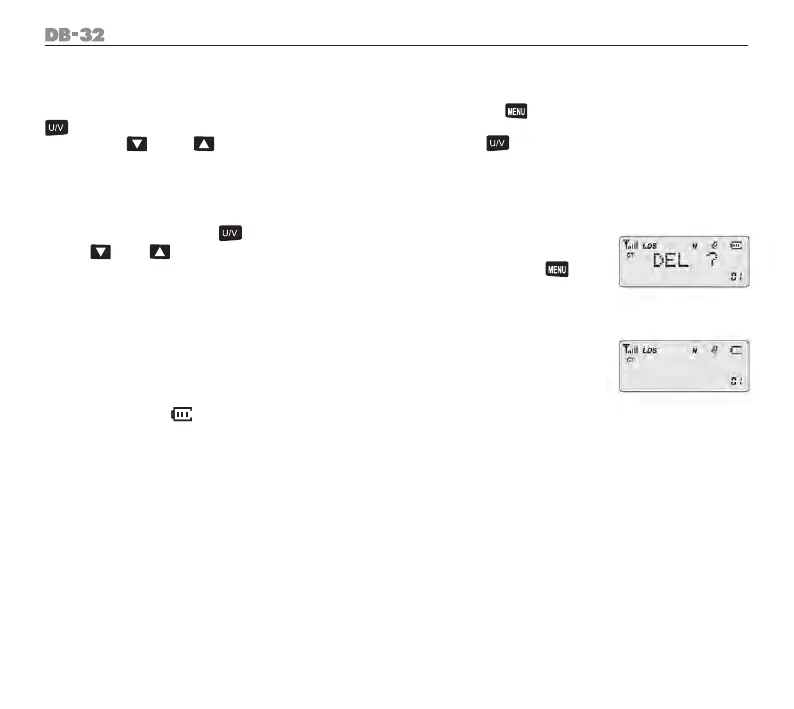
Under CH mode, press [ ] key to turn on the radio, enter delete menu,
use [ ] / [ ] key to choose the desired delete channel. LCD displays
“DEL”,currentchannelNO.isblinkingatthetoprightofLCD.Conrmby[
] key to delete the channel.
Low Battery Alert
When radio voltage less than 6V, radio will prompt “Low voltage”. Battery icon
shows blank.
Battery power display
The battery icon “ “ at the right top of LCD indicates battery power.



 To Next Page